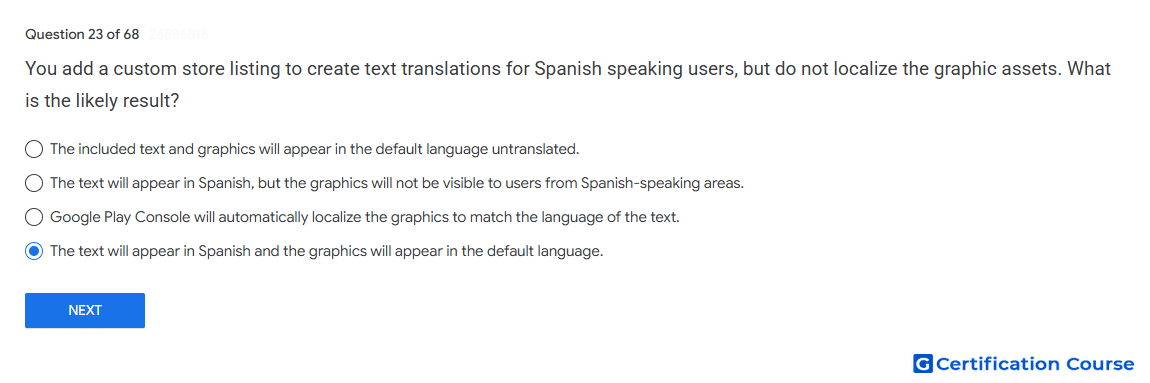
Question: You add a custom store listing to create text translations for Spanish speaking users, but do not localize the graphic assets. What is the likely result?
- The text will appear in Spanish and the graphics will appear in the default language.
- The included text and graphics will appear in the default language untranslated.
- The text will appear in Spanish, but the graphics will not be visible to users from Spanish-speaking areas.
- Google Play Console will automatically localize the graphics to match the language of the text.
Explanation
A custom store listing can provide localized text while using default graphic assets when localized graphics are not added. Google Play allows developers to add translations for store listing text and separately add localized graphic assets. Users whose language matches the added translation see the localized text version. If graphics are not localized, the listing continues to rely on the available default assets.
Why the other options are incorrect
Default language only The added Spanish text translation can be shown even when graphics remain unchanged.
Graphics not visible Google Play does not hide default graphic assets just because localized graphics were not added.
Automatically localize graphics Play Console does not automatically translate or redesign graphic assets to match localized text.
Source for verification
https://support.google.com/googleplay/android-developer/answer/9844778
https://support.google.com/googleplay/android-developer/answer/9867158
The answer(s) to the question is highlighted in the BOLD text above. You can also find more questions and answers related to the exams on the "Google Play Store Listing" page.