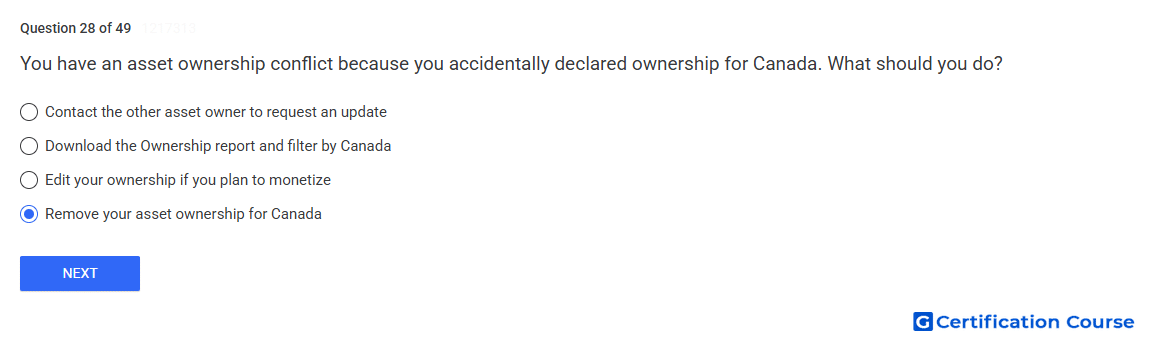
Question: You have an asset ownership conflict because you accidentally declared ownership for Canada. What should you do?
- Remove your asset ownership for Canada
- Download the Ownership report and filter by Canada
- Contact the other asset owner to request an update
- Edit your ownership if you plan to monetize
Explanation
An asset ownership conflict occurs when more than one content owner declares ownership for the same asset in the same territory. If ownership was declared by mistake, the correct action is to remove the incorrect territory from the asset’s ownership settings. Removing Canada resolves the conflict because the ownership claim no longer overlaps there. Ownership should reflect only territories where the content owner has valid rights.
Why the other options are incorrect
Ownership report can help identify ownership details, but it does not correct the mistaken territory declaration.
Other asset owner is not responsible for fixing an ownership territory that was added accidentally by your account.
Monetize is incorrect because monetization plans do not justify claiming ownership in a territory without valid rights.
Source for verification
https://support.google.com/youtube/answer/3011552
https://support.google.com/youtube/answer/6303378
The answer(s) to the question is highlighted in the BOLD text above. You can also find more questions and answers related to the exams on the "YouTube Content Ownership" page.