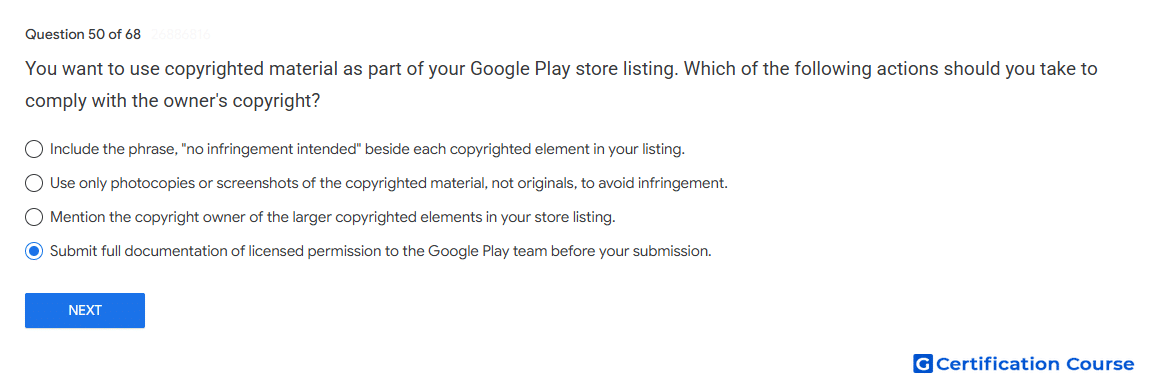
Question: You want to use copyrighted material as part of your Google Play store listing. Which of the following actions should you take to comply with the owner's copyright?
- Submit full documentation of licensed permission to the Google Play team before your submission.
- Include the phrase, "no infringement intended" beside each copyrighted element in your listing.
- Use only photocopies or screenshots of the copyrighted material, not originals, to avoid infringement.
- Mention the copyright owner of the larger copyrighted elements in your store listing.
Explanation
Google Play’s Intellectual Property policy requires permission before using third-party copyrighted material in an app or store listing. Written documentation proves the right to use protected content such as logos, images, audio, or graphic assets. Google Play advises contacting the review team in advance when third-party intellectual property is included. This helps prevent rejection for unauthorized use of copyrighted content.
Why the other options are incorrect
No infringement intended A disclaimer does not replace legal permission from the rights owner.
Photocopies or screenshots Copying copyrighted material in another format can still infringe copyright.
Mention the copyright owner Attribution alone does not prove permission to use copyrighted material.
Source for verification
https://support.google.com/googleplay/android-developer/answer/9888072
https://support.google.com/googleplay/android-developer/answer/6320428
The answer(s) to the question is highlighted in the BOLD text above. You can also find more questions and answers related to the exams on the "Google Play Store Listing" page.