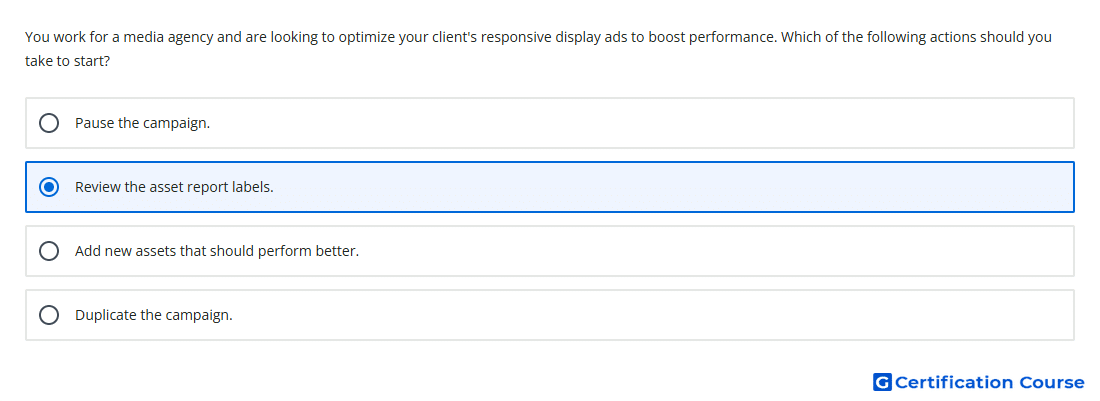
Question: You work for a media agency and are looking to optimize your client's responsive display ads to boost performance. Which of the following actions should you take to start?
- Review the asset report labels.
- Pause the campaign.
- Add new assets that should perform better.
- Duplicate the campaign.
Explanation
The asset report shows performance labels that indicate how each creative asset performs relative to other assets of the same type. Reviewing these labels is the first step because it identifies which assets are helping or limiting responsive display ads performance. Assets marked with weak labels can be replaced while stronger assets remain active. This keeps optimization based on Google Ads performance signals rather than guesswork.
Why the other options are incorrect
Add new assets: Adding assets before reviewing performance labels does not identify what needs improvement.
Duplicate the campaign: Duplicating a campaign does not optimize existing creative assets.
Pause the campaign: Pausing stops delivery and does not provide a creative optimization path.
Source for verification
https://support.google.com/google-ads/answer/9566341
The answer(s) to the question is highlighted in the BOLD text above. You can also find more questions and answers related to the exams on the "Google Ads Creative" page.