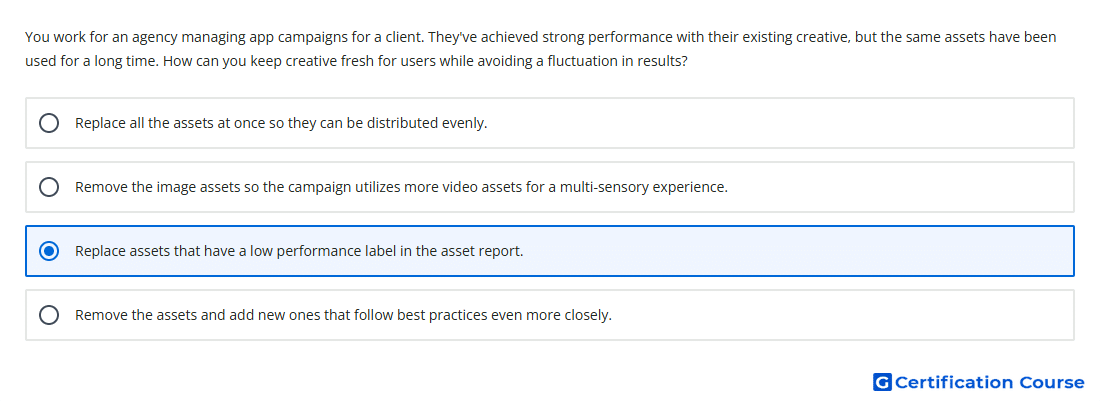
Question: You work for an agency managing app campaigns for a client. They've achieved strong performance with their existing creative, but the same assets have been used for a long time. How can you keep creative fresh for users while avoiding a fluctuation in results?
- Replace assets that have a low performance label in the asset report.
- Replace all the assets at once so they can be distributed evenly.
- Remove the image assets so the campaign utilizes more video assets for a multi-sensory experience.
- Remove the assets and add new ones that follow best practices even more closely.
Explanation
Using the asset report helps identify which creative assets are underperforming relative to other assets of the same type. Assets with a Low performance label are the clearest candidates for replacement. Replacing only those assets keeps stronger creative active while refreshing weaker creative. Making changes gradually helps minimize performance fluctuations in App campaigns.
Why the other options are incorrect
Remove image assets: Removing an entire asset type can reduce creative coverage and limit combinations.
Replace all assets: Changing everything at once can disrupt performance signals and increase volatility.
Remove assets: Removing existing assets without using performance labels ignores the guidance from the asset report.
Source for verification
https://support.google.com/google-ads/answer/6310436
https://support.google.com/google-ads/answer/6167158
The answer(s) to the question is highlighted in the BOLD text above. You can also find more questions and answers related to the exams on the "Google Ads Creative" page.