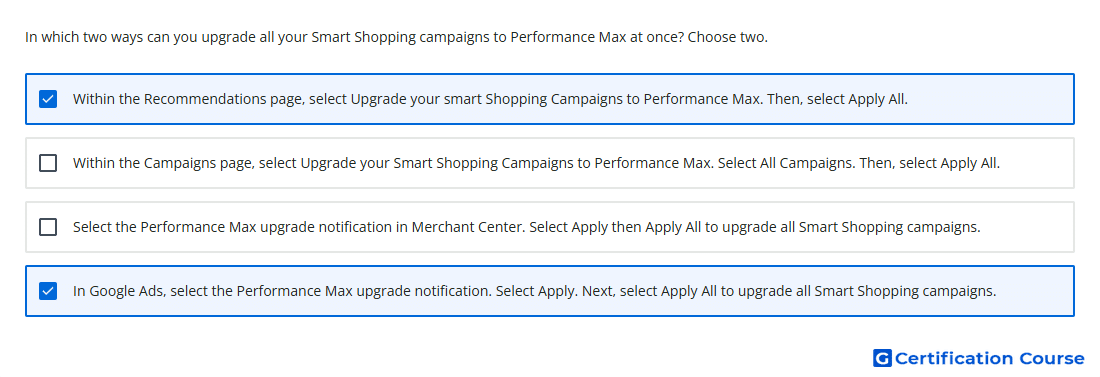
Question: In which two ways can you upgrade all your Smart Shopping campaigns to Performance Max at once? Choose two.
- In Google Ads, select the Performance Max upgrade notification. Select Apply. Next, select Apply All to upgrade all Smart Shopping campaigns.
- Within the Campaigns page, select Upgrade your Smart Shopping Campaigns to Performance Max. Select All Campaigns. Then, select Apply All.
- Select the Performance Max upgrade notification in Merchant Center. Select Apply then Apply All to upgrade all Smart Shopping campaigns.
- Within the Recommendations page, select Upgrade your smart Shopping Campaigns to Performance Max. Then, select Apply All.
Explanation
Smart Shopping campaigns could be upgraded to Performance Max directly inside Google Ads. The bulk upgrade path was available through the Recommendations page, where the upgrade recommendation could be applied to all eligible campaigns. Google Ads could also show an upgrade notification that allowed advertisers to apply the upgrade and then select all eligible Smart Shopping campaigns. Merchant Center was not the place used to perform this campaign upgrade.
Why the other options are incorrect
Merchant Center is incorrect because the upgrade action was managed in Google Ads, not Merchant Center.
Campaigns page is incorrect because the bulk upgrade path was tied to the Recommendations page or the Google Ads upgrade notification.
Source for verification
https://support.google.com/google-ads/answer/10724817
The answer(s) to the question is highlighted in the BOLD text above. You can also find more questions and answers related to the exams on the "AI-Powered Shopping ads Certification" page.
Pankaj Jangir ji, Thank you very much for the expertise knowledge on AI powered Google Ads Certification Course delivery on Google.