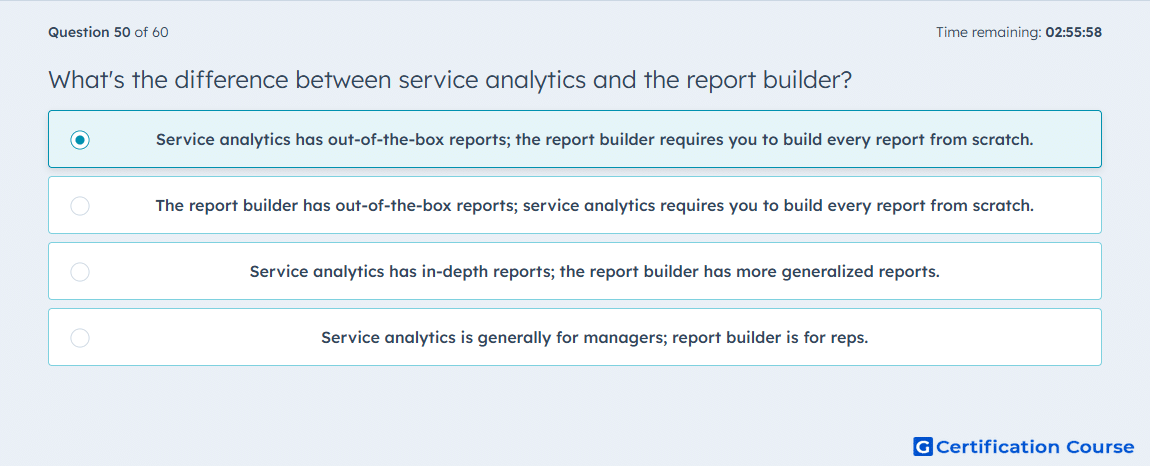
Question: What's the difference between service analytics and the report builder?
- Service analytics has out-of-the-box reports; the report builder requires you to build every report from scratch.
- The report builder has out-of-the-box reports; service analytics requires you to build every report from scratch.
- Service analytics has in-depth reports; the report builder has more generalized reports.
- Service analytics is generally for managers; report builder is for reps.
Explanation
Service analytics provides pre-configured, out-of-the-box reports for quick insights into support performance. HubSpot Service Hub’s report builder allows users to create fully custom reports from scratch, tailoring metrics and filters to specific needs. Service analytics is ideal for standard dashboards, while the report builder supports advanced, detailed analysis. Using both tools together ensures comprehensive customer support reporting.
Why the other options are incorrect
The report builder has out-of-the-box reports; service analytics requires you to build every report from scratch: This reverses the actual functionality.
Service analytics has in-depth reports; the report builder has more generalized reports: The report builder provides deeper customization, not generalized reporting.
Service analytics is generally for managers; report builder is for reps: Access is not role-restricted; functionality depends on reporting needs.
Source for verification
HubSpot Reporting Tools Overview
The answer(s) to the question is highlighted in the BOLD text above. You can also find more questions and answers related to the exams on the "HubSpot Reporting" page.