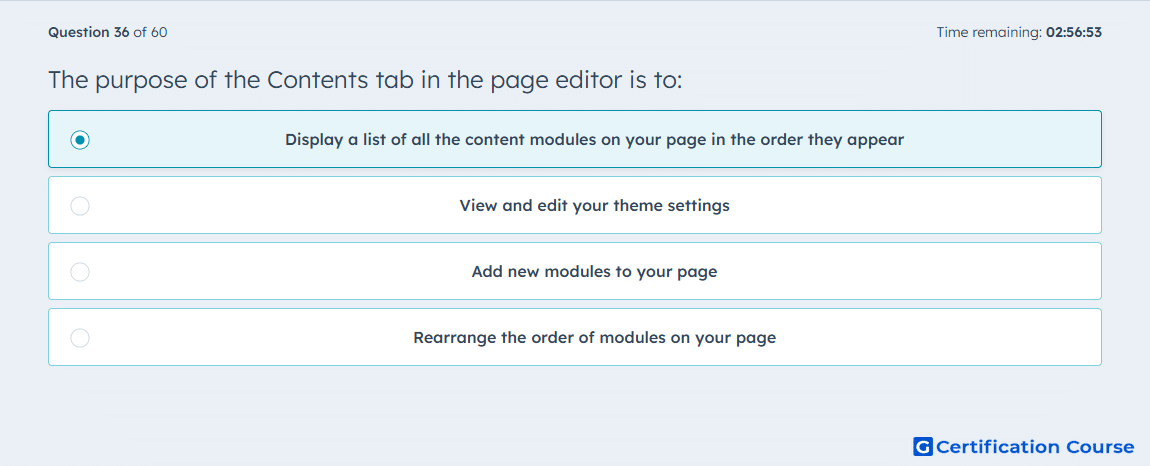
Question: The purpose of the Contents tab in the page editor is to:
- Display a list of all the content modules on your page in the order they appear
- View and edit your theme settings
- Add new modules to your page
- Rearrange the order of modules on your page
Explanation
The Contents tab in the page editor shows the structure of the page as an ordered view of its sections, rows, columns, and modules. From that sidebar, HubSpot lets users click individual elements to edit or manage them while keeping the page structure visible in sequence. This means its primary role is to display the content elements as they appear on the page, not to switch into a design-setting view. HubSpot documents this area as the place where the sidebar editor shows an overview of the page’s content hierarchy. HubSpot Knowledge Base
Why the other options are incorrect
B) Theme settings are edited elsewhere, such as the Styles tab or the theme editor, not in the Contents tab. HubSpot Knowledge Base
C) Adding new modules uses the add control in the editor, so that is not the primary purpose of the Contents tab. HubSpot Knowledge Base+1
D) Rearranging content can happen from the editor tools, but the Contents tab is primarily the ordered overview of page content. HubSpot Knowledge Base+1
Source for verification
https://knowledge.hubspot.com/website-pages/edit-page-content-in-a-drag-and-drop-area
https://knowledge.hubspot.com/blog/create-and-publish-blog-posts
The answer(s) to the question is highlighted in the BOLD text above. You can also find more questions and answers related to the exams on the "HubSpot Content Hub For Marketers" page.