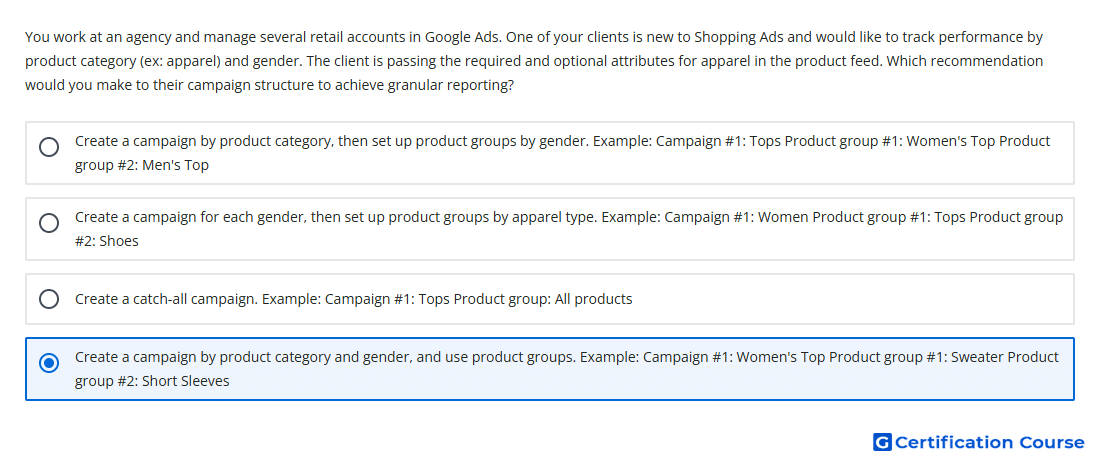
Question: You work at an agency and manage several retail accounts in Google Ads. One of your clients is new to Shopping Ads and would like to track performance by product category (ex: apparel) and gender. The client is passing the required and optional attributes for apparel in the product feed. Which recommendation would you make to their campaign structure to achieve granular reporting?
- Create a catch-all campaign. Example: Campaign #1: Tops Product group: All products
- Create a campaign by product category and gender, and use product groups. Example: Campaign #1: Women's Top Product group #1: Sweater Product group #2: Short Sleeves
- Create a campaign for each gender, then set up product groups by apparel type. Example: Campaign #1: Women Product group #1: Tops Product group #2: Shoes
- Create a campaign by product category, then set up product groups by gender. Example: Campaign #1: Tops Product group #1: Women's Top Product group #2: Men's Top
Explanation
Granular reporting in Standard Shopping campaigns depends on how campaigns and product groups are structured from Merchant Center product data. Creating separate campaign segments by category and gender makes performance easier to compare at a meaningful retail level. Product groups can then subdivide inventory further by product attributes such as product type. This structure supports clearer reporting and more controlled optimization than a broad catch-all setup.
Why the other options are incorrect
Campaign for each gender is incorrect because it separates gender first but does not provide the same category-and-gender campaign-level reporting.
Catch-all campaign is incorrect because it groups too much inventory together and limits granular reporting.
Campaign by product category is incorrect because gender is only handled below the campaign level, reducing campaign-level visibility by category and gender.
Source for verification
https://support.google.com/google-ads/answer/6275317
https://support.google.com/merchants/answer/3517331
The answer(s) to the question is highlighted in the BOLD text above. You can also find more questions and answers related to the exams on the "AI-Powered Shopping ads Certification" page.