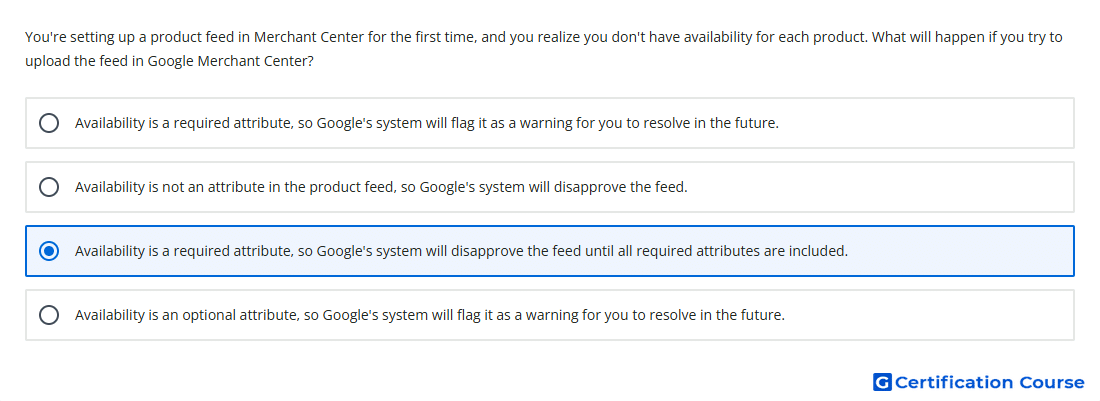
Question: You're setting up a product feed in Merchant Center for the first time, and you realize you don't have availability for each product. What will happen if you try to upload the feed in Google Merchant Center?
- Availability is an optional attribute, so Google's system will flag it as a warning for you to resolve in the future.
- Availability is not an attribute in the product feed, so Google's system will disapprove the feed.
- Availability is a required attribute, so Google's system will disapprove the feed until all required attributes are included.
- Availability is a required attribute, so Google's system will flag it as a warning for you to resolve in the future.
Explanation
Availability is a required Merchant Center product data attribute. It tells Google whether a product is in stock, out of stock, on preorder, or backorder. If required attributes are missing, products may be disapproved and become ineligible to show in Shopping ads or free listings. Required product data must be submitted correctly before Google can use the feed for Shopping delivery.
Why the other options are incorrect
Warning is incorrect because missing required attributes can cause disapproval, not only a future warning.
Not an attribute is incorrect because availability is an official product data attribute in Merchant Center.
Optional attribute is incorrect because availability is required for product approval.
Source for verification
https://support.google.com/merchants/answer/7052112
https://support.google.com/merchants/answer/6324448
The answer(s) to the question is highlighted in the BOLD text above. You can also find more questions and answers related to the exams on the "AI-Powered Shopping ads Certification" page.