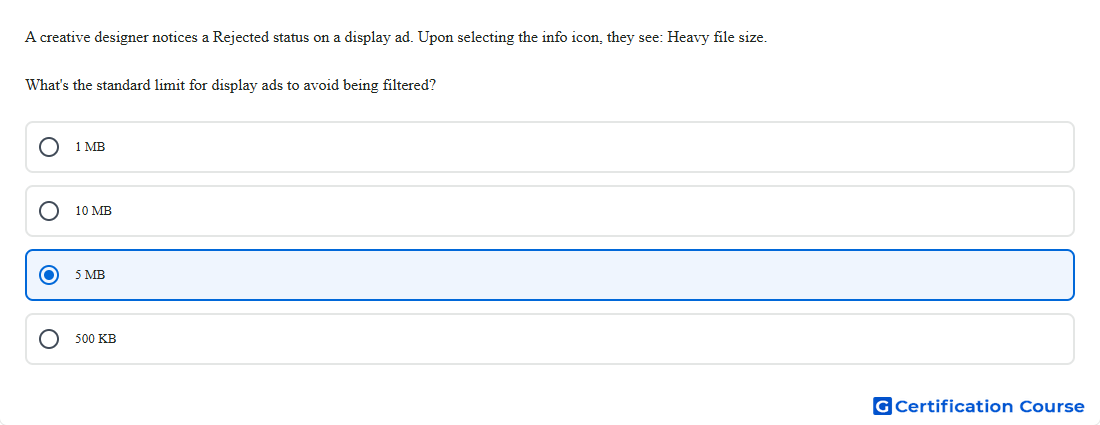
Question: A creative designer notices a Rejected status on a display ad. Upon selecting the info icon, they see: Heavy file size. What's the standard limit for display ads to avoid being filtered?
- 10 MB
- 500 KB
- 5 MB
- 1 MB
Explanation
A display creative marked with the “Heavy file size” rejection has exceeded Display & Video 360’s maximum allowed download size for non-video creatives. Google states that the total file size of all creative files downloaded by the browser when the ad serves is limited to a maximum of 5 MB. That is the standard threshold used to determine whether the creative is filtered for heavy file size. This requirement applies to the ad’s downloaded assets, not just the initial uploaded file alone. Google Help+1
Why the other options are incorrect
1 MB is below the documented Display & Video 360 maximum, so it is not the standard heavy file size rejection threshold. Google Help+1
10 MB is associated with certain video serving files, not the non-video display ad download-size limit. Google Help+1
500 KB is not the documented maximum for this Display & Video 360 display creative rejection. Google Help+1
Source for verification
https://support.google.com/displayvideo/answer/6174022?hl=en
https://support.google.com/displayvideo/answer/10261241?hl=en
The answer(s) to the question is highlighted in the BOLD text above. You can also find more questions and answers related to the exams on the "Search Ads 360" page.