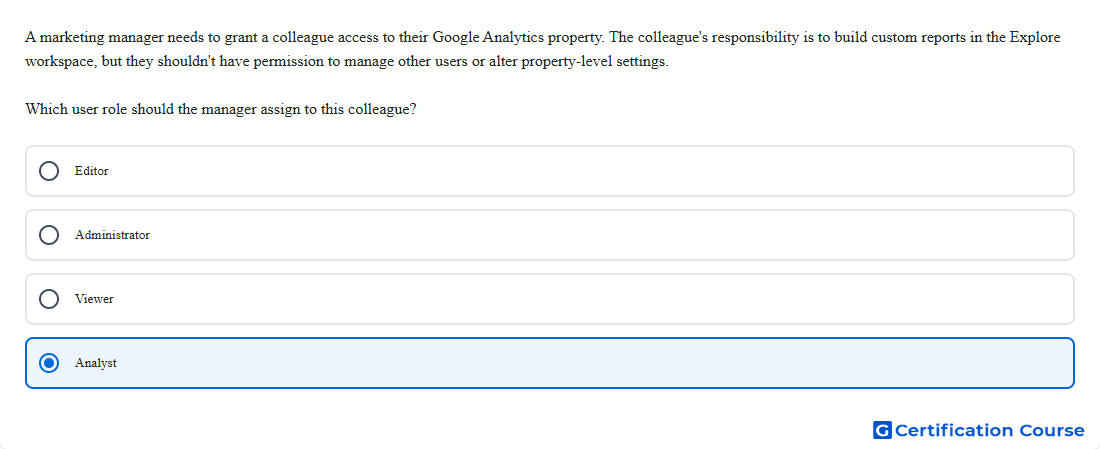
Question: A marketing manager needs to grant a colleague access to their Google Analytics property. The colleague's responsibility is to build custom reports in the Explore workspace, but they shouldn't have permission to manage other users or alter property-level settings. Which user role should the manager assign to this colleague?
- Viewer
- Administrator
- Editor
- Analyst
Explanation
The Analyst role provides collaboration permissions for explorations while keeping access below administrative control. It includes the Viewer role, so property data and settings can be viewed without granting configuration authority. This role supports sharing created explorations with other users of the property. It does not allow user management or full property-level settings control.
Why the other options are incorrect
Editor is incorrect because it gives full control of property-level settings.
Administrator is incorrect because it can manage users and assign roles.
Viewer is incorrect because it does not provide the collaboration permissions associated with the Analyst role.
Source for verification
https://support.google.com/analytics/answer/9305587
The answer(s) to the question is highlighted in the BOLD text above. You can also find more questions and answers related to the exams on the "Google Analytics Certification" page.