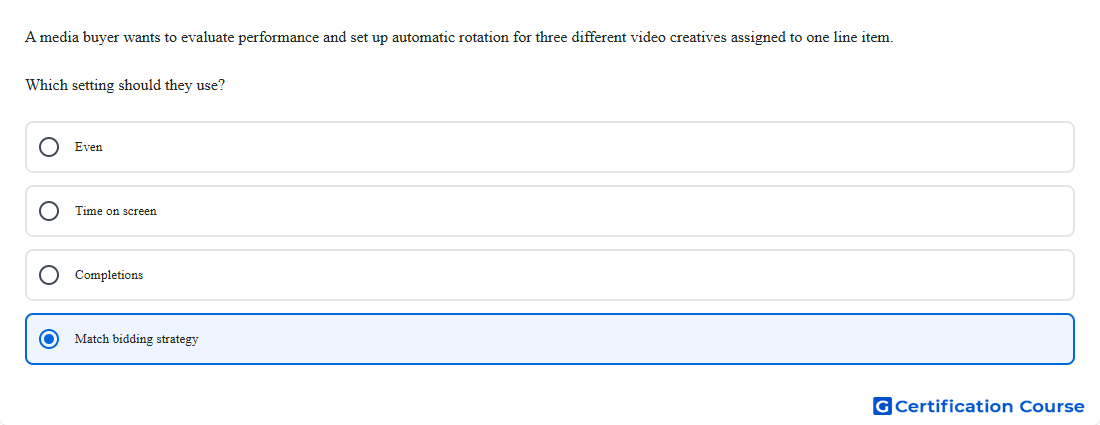
Question: A media buyer wants to evaluate performance and set up automatic rotation for three different video creatives assigned to one line item. Which setting should they use?
- Completions
- Match bidding strategy
- Time on screen
- Even
Explanation
For video line items with multiple assigned creatives, Display & Video 360 uses creative optimization to decide how those creatives rotate before bidding begins. Match bidding strategy is the setting that automatically applies the rotation logic that best aligns with the video line item’s bidding setup, rather than forcing a separate manual optimization choice. Google documents that this option maps the line item’s bidding strategy to the corresponding creative optimization behavior, so rotation stays aligned with the performance goal. That makes it the appropriate setting when several video creatives need to rotate automatically while performance is evaluated in a way that matches the bidding objective. Google Help
Why the other options are incorrect
Even rotates creatives more evenly and does not apply optimization, so it is not the best choice when rotation should align with bidding logic. Google Help
Time on screen favors creatives likely to stay visible for at least 10 cumulative seconds, which is narrower than aligning rotation to the full bidding strategy. Google Help
Completions favors creatives likely to be audible and viewable on completion, so it optimizes to completion outcomes rather than matching the line item’s bidding setup overall. Google Help
Source for verification
Creative optimization — Display & Video 360 Help Google Help
The answer(s) to the question is highlighted in the BOLD text above. You can also find more questions and answers related to the exams on the "Search Ads 360" page.