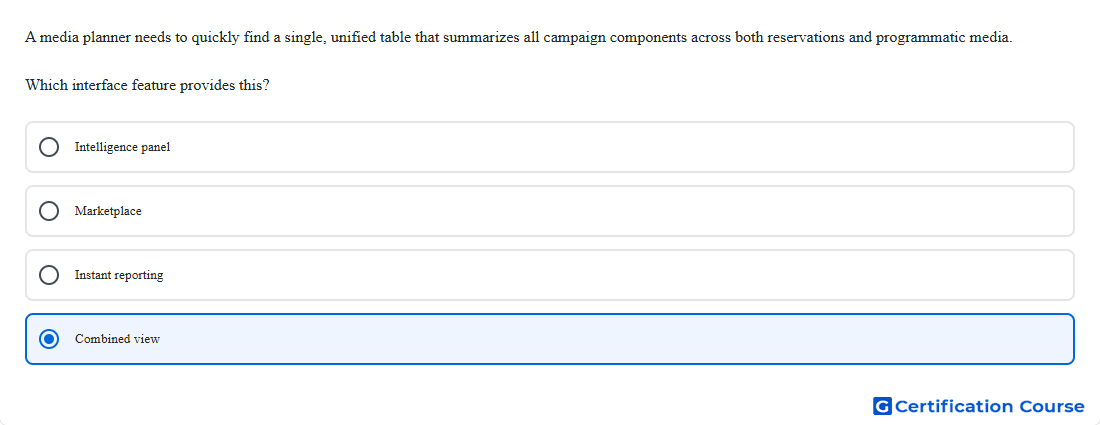
Question: A media planner needs to quickly find a single, unified table that summarizes all campaign components across both reservations and programmatic media. Which interface feature provides this?
- Combined view
- Marketplace
- Intelligence panel
- Instant reporting
Explanation
Within the Campaign workflow, Display & Video 360 provides a unified table where insertion orders and line items are shown together in one place. Google’s Help center states that campaign views can organize every component of a campaign, and that the Combined tab shows a list of insertion orders and line items that can be expanded and managed from the same screen. That is the interface designed for a quick cross-campaign component summary rather than a planning, troubleshooting, or reporting-only workflow. It is therefore the correct place to review reservations and programmatic campaign components in a single view. Google Help+1
Why the other options are incorrect
Intelligence panel surfaces alerts and suggestions for optimization and troubleshooting, not the main campaign summary table. Google Help
Marketplace is part of the Inventory workflow for discovering and negotiating inventory, not for summarizing campaign components in one table. Google Help
Instant reporting is a reporting workspace for building reports by dragging dimensions and metrics, not the campaign management table. Google Help
Source for verification
https://support.google.com/displayvideo/answer/9059464?hl=en
https://support.google.com/displayvideo/answer/2905815?hl=en
The answer(s) to the question is highlighted in the BOLD text above. You can also find more questions and answers related to the exams on the "Search Ads 360" page.