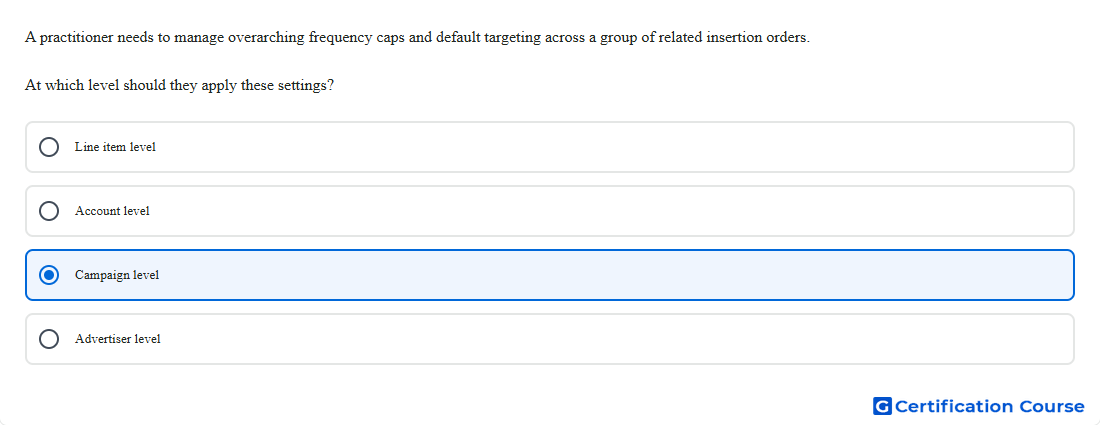
Question: A practitioner needs to manage overarching frequency caps and default targeting across a group of related insertion orders. At which level should they apply these settings?
- Line item level
- Campaign level
- Account level
- Advertiser level
Explanation
In Display & Video 360, a campaign is used to group related insertion orders under one business goal, and it can apply a single frequency cap across multiple insertion orders. Google’s documentation also states that campaigns can set default targeting for multiple insertion orders and their line items. That makes this level the right place for controls that should span a group of related insertion orders instead of only one insertion order or one line item. It is the only option here designed to manage both cross-insertion-order frequency and shared targeting defaults together. Google Help+1
Why the other options are incorrect
Line item level applies settings only to an individual line item, so it cannot manage shared controls across multiple insertion orders. Google Help
Account level is not the standard Display & Video 360 entity for applying shared frequency cap and default targeting settings across related insertion orders. Google Help+1
Advertiser level can support some broad brand-safety exclusions, but Google does not define it as the level for cross-insertion-order frequency cap and default targeting management. Google Help+1
Source for verification
Create a campaign — Display & Video 360 Help Google Help
Manage frequency with frequency caps — Display & Video 360 Help Google Help
The answer(s) to the question is highlighted in the BOLD text above. You can also find more questions and answers related to the exams on the "Search Ads 360" page.