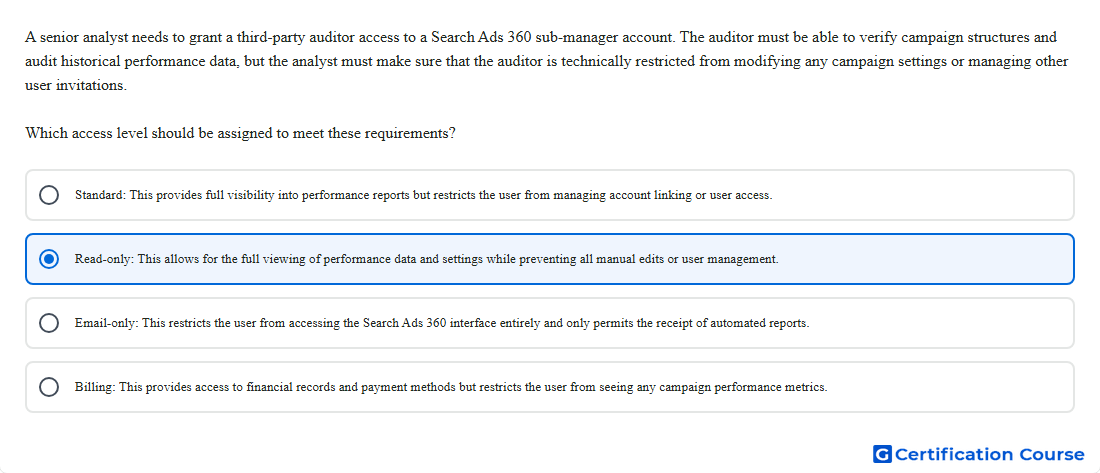
Question: A senior analyst needs to grant a third-party auditor access to a Search Ads 360 sub-manager account. The auditor must be able to verify campaign structures and audit historical performance data, but the analyst must make sure that the auditor is technically restricted from modifying any campaign settings or managing other user invitations. Which access level should be assigned to meet these requirements?
- Standard: This provides full visibility into performance reports but restricts the user from managing account linking or user access.
- Read-only: This allows for the full viewing of performance data and settings while preventing all manual edits or user management.
- Email-only: This restricts the user from accessing the Search Ads 360 interface entirely and only permits the receipt of automated reports.
- Billing: This provides access to financial records and payment methods but restricts the user from seeing any campaign performance metrics.
Explanation
Read-only access allows viewing campaigns, settings, and reports in Search Ads 360 without allowing campaign edits. This access level fits an auditor who needs to verify structure and historical performance data. It prevents changes to campaign management settings, which protects live account configuration. It also does not grant full user-management permissions such as changing access for other users.
Why the other options are incorrect
Email-only does not allow signing in to Search Ads 360, so it is too limited for reviewing account structure.
Billing is for billing information and payment-related access, not campaign structure and performance auditing.
Standard allows campaign editing, so it does not meet the required restriction against modifying settings.
Source for verification
https://support.google.com/sa360/answer/12362595
https://support.google.com/sa360/answer/12846397
The answer(s) to the question is highlighted in the BOLD text above. You can also find more questions and answers related to the exams on the "Search Ads 360" page.