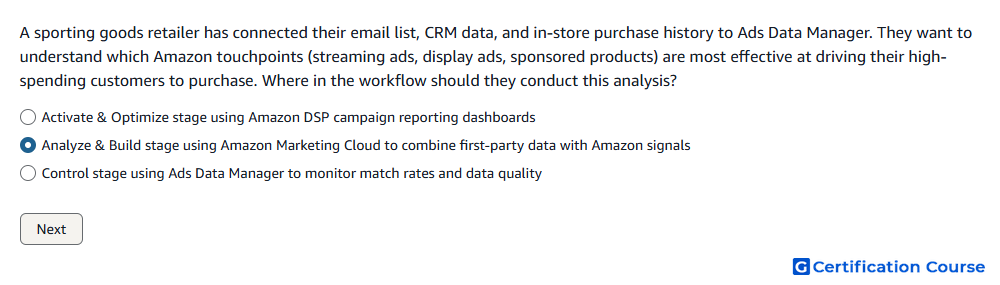
Question: A sporting goods retailer has connected their email list, CRM data, and in-store purchase history to Ads Data Manager. They want to understand which Amazon touchpoints (streaming ads, display ads, sponsored products) are most effective at driving their high-spending customers to purchase. Where in the workflow should they conduct this analysis?
- Activate & Optimize stage using Amazon DSP campaign reporting dashboards
- Analyze & Build stage using Amazon Marketing Cloud to combine first-party data with Amazon signals
- Control stage using Ads Data Manager to monitor match rates and data quality
Explanation
The Analyze & Build stage is where Amazon Marketing Cloud is used to evaluate connected first-party signals alongside Amazon Ads touchpoints. CRM, email, and in-store purchase data can help define high-spending customers when the required inputs are available. AMC can then analyze how streaming ads, display ads, and Sponsored Products relate to purchase behavior. This stage produces the insights needed before activation and optimization decisions.
Why the other options are incorrect
Activate & Optimize is incorrect because DSP dashboards focus on campaign delivery and optimization, not combined first-party and Amazon signal analysis.
Control stage is incorrect because monitoring match rates and data quality does not answer which touchpoints drive high-spending customer purchases.
Source for verification
https://advertising.amazon.com/API/docs/en-us/guides/amazon-marketing-cloud/overview
https://advertising.amazon.com/API/docs/en-us/guides/ads-data-manager/dataset-management
The answer(s) to the question is highlighted in the BOLD text above. You can also find more questions and answers related to the exams on the "Amazon Marketing Cloud Certification" page.