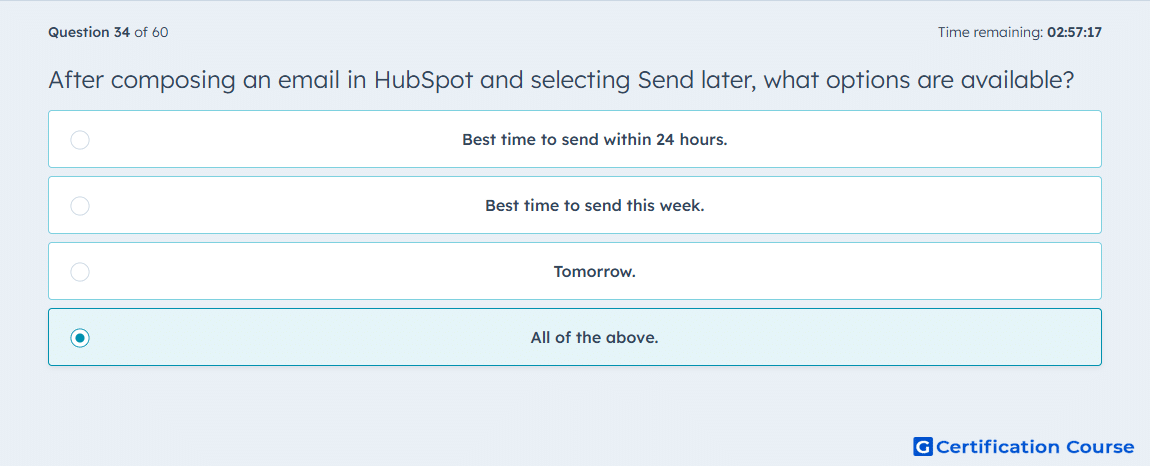
Question: After composing an email in HubSpot and selecting “Send Later”, what options are available?
- Best time to send within 24 hours.
- Best time to send this week.
- Tomorrow.
- All of the above.
Explanation
When using “Send Later” in HubSpot, users can schedule emails for tomorrow, the best time to send within 24 hours, or the best time to send this week. These options optimize email engagement by allowing strategic timing based on predicted recipient activity. Scheduling helps sales and marketing teams improve open and click-through rates.
Why the other options are incorrect
Best time to send within 24 hours: Only one of several scheduling options, not the complete set.
Best time to send this week: Similarly, this is one option but not the only one.
Tomorrow: A specific choice, but not all scheduling options available.
Source for verification
HubSpot Email Scheduling Options
The answer(s) to the question is highlighted in the BOLD text above. You can also find more questions and answers related to the exams on the "HubSpot Sales Hub Software" page.