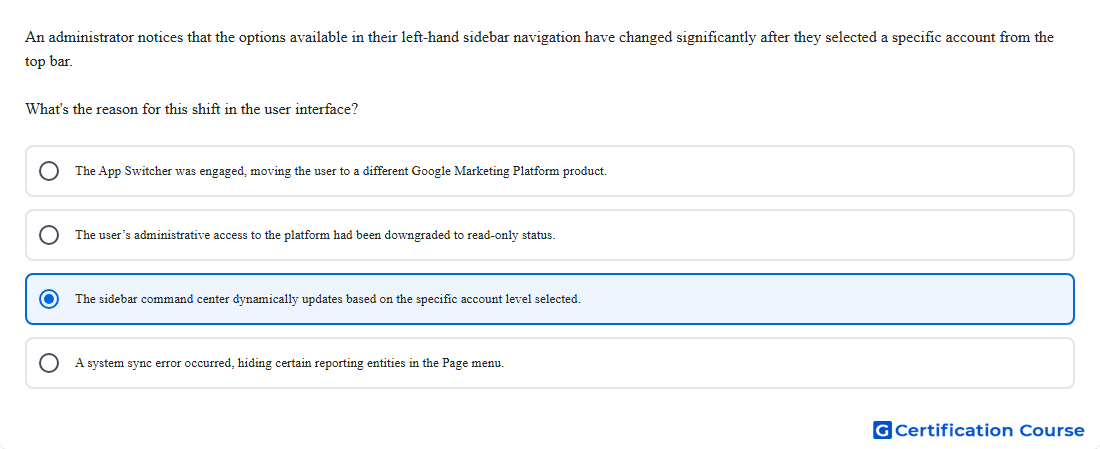
Question: An administrator notices that the options available in their left-hand sidebar navigation have changed significantly after they selected a specific account from the top bar. What's the reason for this shift in the user interface?
- The App Switcher was engaged, moving the user to a different Google Marketing Platform product.
- The user’s administrative access to the platform had been downgraded to read-only status.
- The sidebar command center dynamically updates based on the specific account level selected.
- A system sync error occurred, hiding certain reporting entities in the Page menu.
Explanation
The left sidebar changes because Search Ads 360 adjusts the available navigation based on the selected account’s current account scope. Google’s interface documentation states that the Page menu varies depending on the current account scope and account type. When a user selects a manager, sub-manager, or client account from the top navigation bar, the platform updates the available pages and tools for that level. This behavior is expected interface logic, not an access problem or product switch.
Why the other options are incorrect
A system sync error is incorrect because the documented behavior is that the Page menu changes by account scope, so the missing items are not evidence of a sync failure.
The user’s administrative access is incorrect because a permission downgrade would affect access rights, not dynamically reconfigure navigation based on the selected account level.
The App Switcher is incorrect because the change happens inside Search Ads 360 account navigation, not by moving to another Google Marketing Platform product.
Source for verification
https://support.google.com/sa360/answer/15095347
https://support.google.com/sa360/answer/9387489
The answer(s) to the question is highlighted in the BOLD text above. You can also find more questions and answers related to the exams on the "Search Ads 360" page.