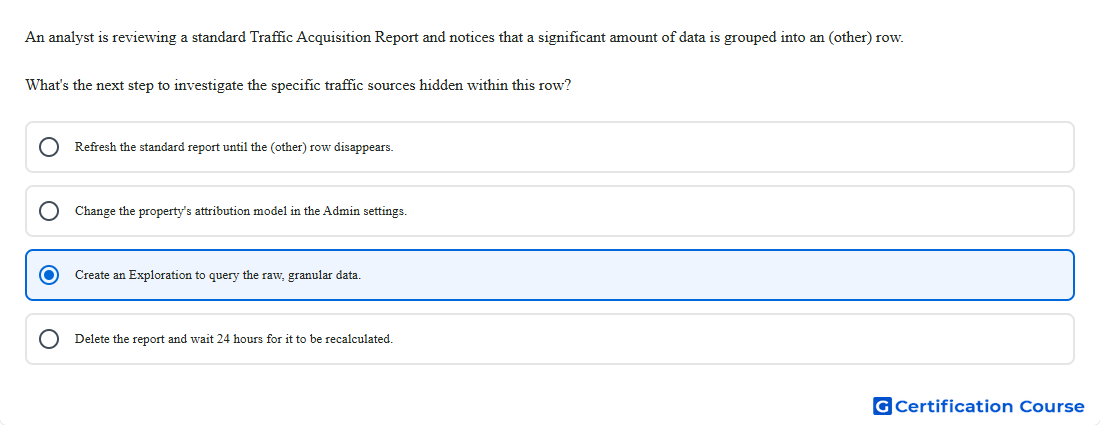
Question: An analyst is reviewing a standard Traffic Acquisition Report and notices that a significant amount of data is grouped into an (other) row. What's the next step to investigate the specific traffic sources hidden within this row?
- Refresh the standard report until the (other) row disappears.
- Delete the report and wait 24 hours for it to be recalculated.
- Change the property's attribution model in the Admin settings.
- Create an Exploration to query the raw, granular data.
Explanation
The (other) row appears when a report reaches cardinality limits and less common dimension values are grouped together. Standard reports may aggregate high-cardinality data to preserve report performance. Explore can be used to build an exploration with the needed traffic-source dimensions and inspect more granular results. This helps identify specific sources or campaigns that are not visible in the standard Traffic acquisition report.
Why the other options are incorrect
Refresh report is incorrect because the grouping is caused by reporting limits, not a temporary loading issue.
Attribution model is incorrect because attribution settings do not reveal dimension values grouped into (other).
Delete report is incorrect because deleting a report does not recalculate or recover grouped dimension values.
Source for verification
https://support.google.com/analytics/answer/13331684
https://support.google.com/analytics/answer/7579450
The answer(s) to the question is highlighted in the BOLD text above. You can also find more questions and answers related to the exams on the "Google Analytics Certification" page.