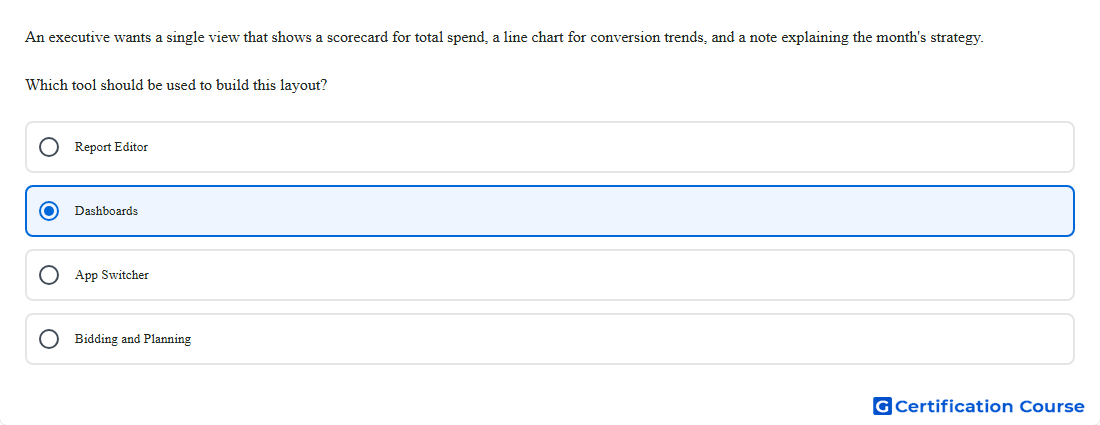
Question: An executive wants a single view that shows a scorecard for total spend, a line chart for conversion trends, and a note explaining the month's strategy. Which tool should be used to build this layout?
- Report Editor
- Dashboards
- App Switcher
- Bidding and Planning
Explanation
This layout belongs in a dashboard because Search Ads 360 dashboards combine scorecards, report cards, and note cards in one view. Scorecards are used to present summary metrics such as total spend. Report cards can show charts built with Report Editor, which is used to create tables and charts for trend analysis. Note cards are specifically meant to add context and insights alongside the visual reporting elements. Google Help+1
Why the other options are incorrect
Bidding and Planning is used for budget and bidding workflows, not for assembling a mixed layout of summary metrics, charts, and written notes. Google Help+1
App Switcher is for moving between Google Marketing Platform products, not for building reporting canvases inside Search Ads 360. Google Help
Report Editor creates detailed tables and charts, but the combined layout with scorecards and note cards is built in dashboards. Google Help+1
Source for verification
Create and edit dashboards: Google Help
Create reports in Report Editor: Google Help
The answer(s) to the question is highlighted in the BOLD text above. You can also find more questions and answers related to the exams on the "Search Ads 360" page.