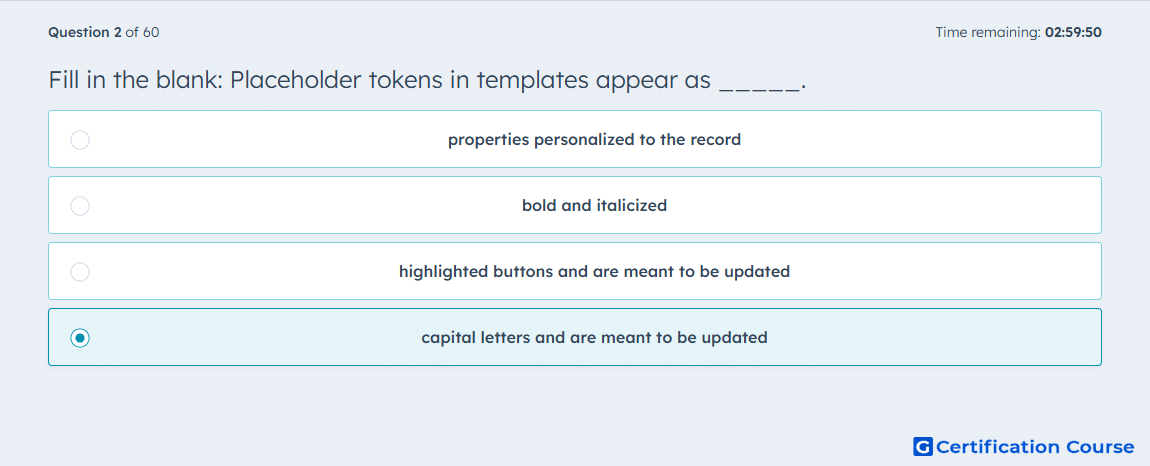
Question: Fill in the blank: Placeholder tokens in templates appear as _____.
- properties personalized to the record
- bold and italicized
- highlighted buttons and are meant to be updated
- capital letters and are meant to be updated
Explanation
Placeholder tokens in HubSpot email and sales templates appear as capitalized text to indicate fields that require manual updating before sending. They serve as visual cues to replace generic text with specific information related to the contact, company, or deal. This ensures messages remain personalized and accurate. The system does not automatically fill these tokens unless linked to a HubSpot property. Using capital letters prevents accidental sending of uncustomized content.
Why the other options are incorrect
Properties personalized to the record are dynamic tokens, not placeholders.
Bold and italicized formatting is not used to indicate placeholders in templates.
Highlighted buttons and are meant to be updated do not represent HubSpot’s template placeholders.
Source for verification
HubSpot Knowledge Base – Use placeholders in templates
The answer(s) to the question is highlighted in the BOLD text above. You can also find more questions and answers related to the exams on the "HubSpot Sales Hub Software" page.