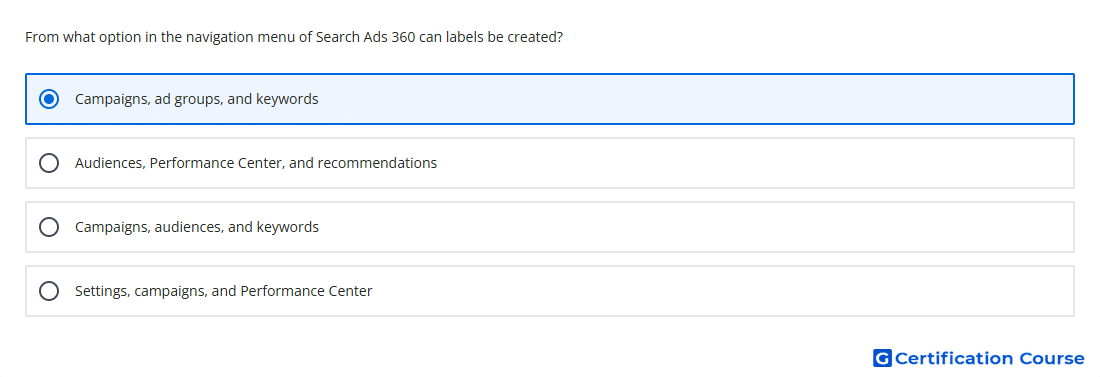
Question: From what option in the navigation menu of Search Ads 360 can labels be created?
- Settings, campaigns, and Performance Center
- Campaigns, audiences, and keywords
- Audiences, Performance Center, and recommendations
- Campaigns, ad groups, and keywords
or
- Campaigns, ad groups and keywords
- Settings, campaigns and Performance Centre
- Campaigns, audiences and keywords
- Audiences, Performance Centre and recommendations
Explanation
Labels can be created from the Search Ads 360 left page menu when working with core account objects. The supported object areas include campaign, ad group, ad, and keyword views. This placement lets labels be applied directly to items used for organization, filtering, and reporting. The workflow uses the table selection and the Label action above the table.
Why the other options are incorrect
Campaigns, audiences, and keywords is incorrect because audiences are not part of the label creation path.
Audiences, Performance Center, and recommendations is incorrect because those areas are not where Search Ads 360 labels are created.
Settings, campaigns, and Performance Center is incorrect because settings and Performance Center are not the label creation locations.
Source for verification
https://support.google.com/sa360/answer/15942864?hl=en
https://support.google.com/sa360/answer/14268439?hl=en
The answer(s) to the question is highlighted in the BOLD text above. You can also find more questions and answers related to the exams on the "Search Ads 360" page.