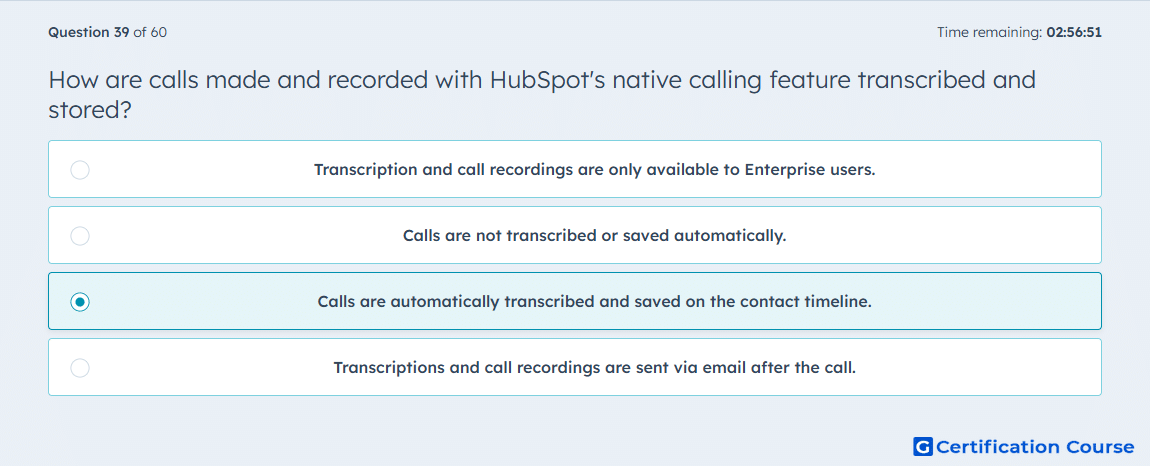
Question: How are calls made and recorded with HubSpot's native calling feature transcribed and stored?
- Transcription and call recordings are only available to Enterprise users.
- Calls are not transcribed or saved automatically.
- Calls are automatically transcribed and saved on the contact timeline.
- Transcriptions and call recordings are sent via email after the call.
Explanation
HubSpot’s native calling feature automatically transcribes calls and saves both the audio and transcript on the contact’s timeline. This allows sales reps to review conversations, capture important details, and maintain a complete record of engagement. Transcriptions support Conversation Intelligence features such as term tracking and coaching. Storing calls on the timeline ensures all team members have visibility into interactions with the contact.
Why the other options are incorrect
Transcription and call recordings are only available to Enterprise users is incorrect because transcription is available for users with access to native calling features, not limited to Enterprise.
Calls are not transcribed or saved automatically is incorrect because transcription and saving occur automatically.
Transcriptions and call recordings are sent via email after the call is incorrect because they are stored directly in the CRM, not emailed externally.
Source for verification
HubSpot Knowledge Base – Make calls and log activity
The answer(s) to the question is highlighted in the BOLD text above. You can also find more questions and answers related to the exams on the "HubSpot Sales Hub Software" page.