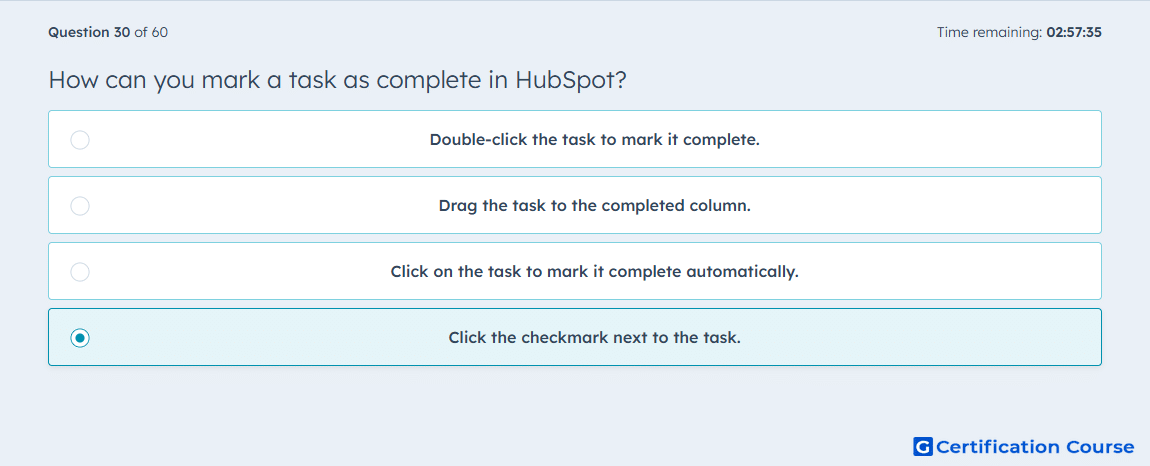
Question: How can you mark a task as complete in HubSpot?
- Click the checkmark next to the task.
- Drag the task to the completed column.
- Double-click the task to mark it complete.
- Click on the task to mark it complete automatically.
Explanation
In HubSpot, a task is marked as complete by clicking the checkmark next to it. This updates the task’s status in the CRM and removes it from active task lists. Completing tasks ensures accurate tracking of follow-ups and workflow progress. The action is reflected in associated contact, company, or deal records for visibility across the team.
Why the other options are incorrect
Drag the task to the completed column is incorrect because task completion is not done via drag-and-drop.
Double-click the task to mark it complete is incorrect because double-clicking does not update status.
Click on the task to mark it complete automatically is incorrect because clicking alone opens the task; the checkmark must be used.
Source for verification
HubSpot Knowledge Base – Complete tasks in HubSpot
The answer(s) to the question is highlighted in the BOLD text above. You can also find more questions and answers related to the exams on the "HubSpot Sales Hub Software" page.