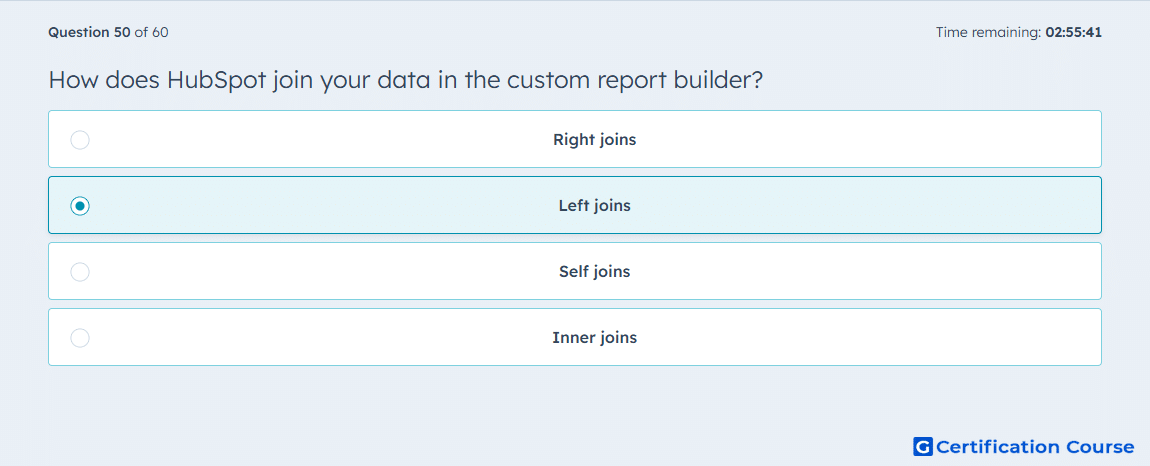
Question: How does HubSpot join your data in the custom report builder?
- Right joins
- Left joins
- Self joins
- Inner joins
Explanation
HubSpot uses left joins in the custom report builder, meaning all records from the primary data source are included, along with matching records from the secondary source. If no match exists in the secondary object, the primary record still appears with empty fields for the secondary data. This ensures that the report reflects all primary records while showing associated information when available. Left joins enable comprehensive cross-object reporting without losing primary dataset context.
Why the other options are incorrect
Right joins prioritize the secondary source, which HubSpot does not use in reports.
Self joins connect a table to itself, unrelated to cross-object reporting here.
Inner joins exclude primary records without a match, which differs from HubSpot’s approach.
Source for verification
The answer(s) to the question is highlighted in the BOLD text above. You can also find more questions and answers related to the exams on the "HubSpot Reporting" page.