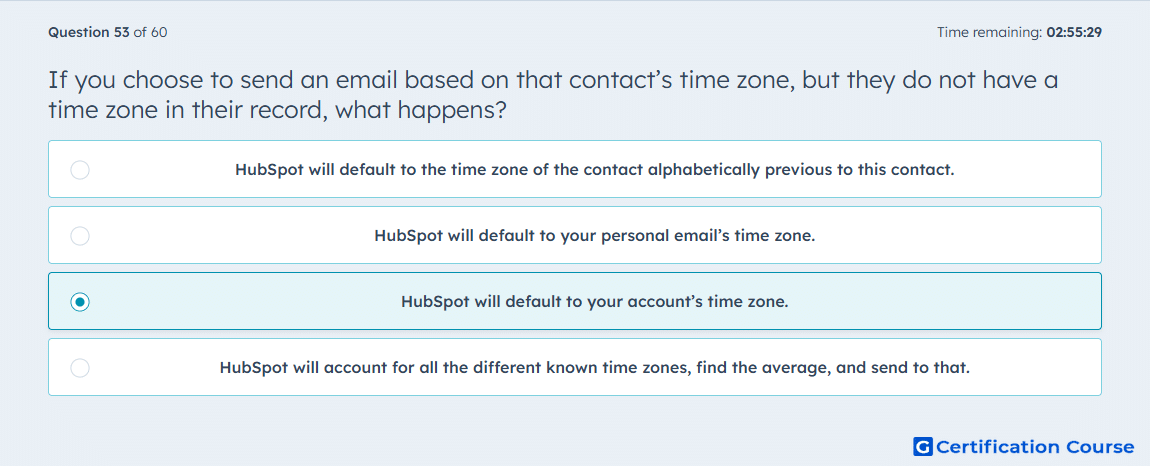
Question: If you choose to send an email based on that contact’s time zone, but they do not have a time zone in their record, what happens?
- HubSpot will default to the time zone of the contact alphabetically previous to this contact.
- HubSpot will default to your personal email’s time zone.
- HubSpot will default to your account’s time zone.
- HubSpot will account for all the different known time zones, find the average, and send to that.
Explanation
HubSpot can schedule marketing emails based on each contact’s time zone. If a contact does not have a time zone value, HubSpot uses the account’s time zone as the fallback. This ensures the email still sends rather than being skipped. The fallback is based on account settings, not another contact’s record or a calculated average.
Why the other options are incorrect
Alphabetically previous contact is incorrect because HubSpot does not use another contact’s time zone as a fallback.
Personal email’s time zone is incorrect because the fallback is the HubSpot account’s time zone.
Average time zone is incorrect because HubSpot does not calculate an average from known contact time zones.
Source for verification
https://knowledge.hubspot.com/marketing-email/send-marketing-emails-to-individual-time-zones
The answer(s) to the question is highlighted in the BOLD text above. You can also find more questions and answers related to the exams on the "HubSpot Email Marketing Software" page.