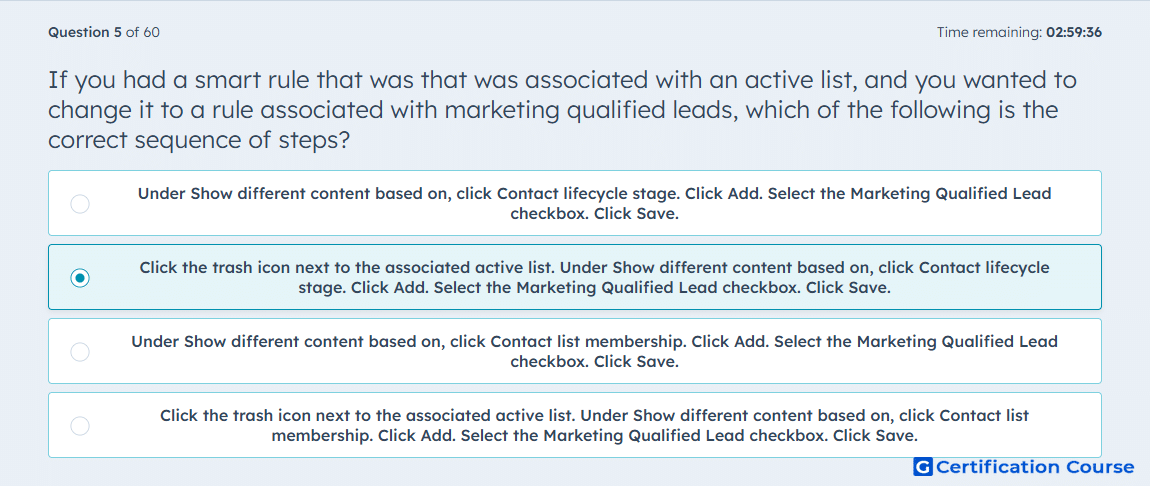
Question: If you had a smart rule that was that was associated with an active list, and you wanted to change it to a rule associated with marketing qualified leads, which of the following is the correct sequence of steps?
- Under Show different content based on, click Contact lifecycle stage. Click Add. Select the Marketing Qualified Lead checkbox. Click Save.
- Click the trash icon next to the associated active list. Under Show different content based on, click Contact lifecycle stage. Click Add. Select the Marketing Qualified Lead checkbox. Click Save.
- Under Show different content based on, click Contact list membership. Click Add. Select the Marketing Qualified Lead checkbox. Click Save.
- Click the trash icon next to the associated active list. Under Show different content based on, click Contact list membership. Click Add. Select the Marketing Qualified Lead checkbox. Click Save.
Explanation
To change the smart rule type, the existing rule must first be removed with the trash icon. HubSpot only allows one smart rule type per smart module, so an active-list rule must be deleted before selecting Contact lifecycle stage. After switching the rule type, the new rule is added and the Marketing Qualified Lead lifecycle stage is selected. Saving applies the updated smart rule to the email content.
Why the other options are incorrect
A skips deleting the existing active-list rule, so the rule type cannot be changed correctly.
C keeps the rule based on list membership instead of switching to lifecycle stage.
D deletes the existing rule but selects list membership again instead of lifecycle stage.
Source for verification
https://knowledge.hubspot.com/website-and-landing-pages/create-and-manage-smart-content-rules
https://knowledge.hubspot.com/records/use-lifecycle-stages
The answer(s) to the question is highlighted in the BOLD text above. You can also find more questions and answers related to the exams on the "HubSpot Email Marketing Software" page.