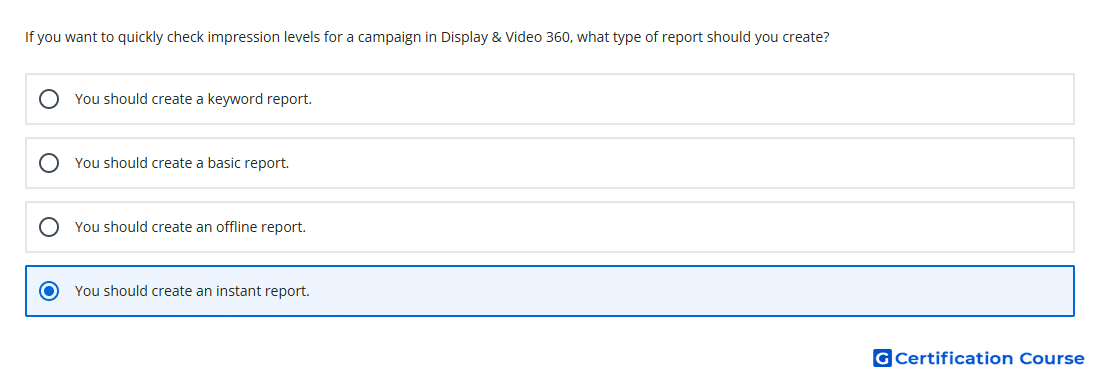
Question: If you want to quickly check impression levels for a campaign in Display & Video 360, what type of report should you create?
- You should create an instant report.
- You should create a basic report.
- You should create a keyword report.
- You should create an offline report.
Explanation
Instant reporting is used in Display & Video 360 to quickly view campaign performance without building a full offline report workflow. It supports fast checks of delivery metrics such as impressions. The report can be adjusted interactively by adding dimensions, metrics, and filters. This makes it the best option for a quick impression-level review.
Why the other options are incorrect
Basic report is not the fastest reporting workflow for quick metric checks.
Offline report is better for scheduled or downloadable reporting, not immediate inspection.
Keyword report focuses on keyword-level data and does not fit a general campaign impression check.
Source for verification
https://support.google.com/displayvideo/answer/7674615
The answer(s) to the question is highlighted in the BOLD text above. You can also find more questions and answers related to the exams on the "Display & Video 360" page.