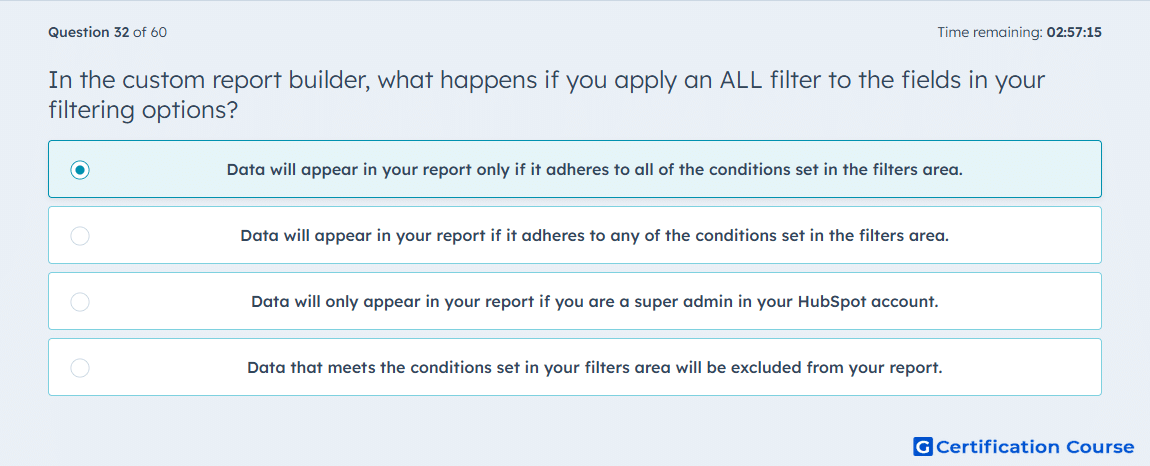
Question: In the custom report builder, what happens if you apply an ALL filter to the fields in your filtering options?
- Data will appear in your report only if it adheres to all of the conditions set in the filters area.
- Data will appear in your report if it adheres to any of the conditions set in the filters area.
- Data will only appear in your report if you are a super admin in your HubSpot account.
- Data that meets the conditions set in your filters area will be excluded from your report.
Explanation
Applying an ALL filter in the custom report builder ensures that data appears only if it meets every condition specified in the filters section. This is equivalent to a logical AND operation, narrowing the dataset to records that satisfy all criteria simultaneously. In HubSpot, using ALL filters allows precise segmentation and ensures that reports focus on highly specific subsets of data. It helps maintain accuracy when multiple conditions must be true for inclusion.
Why the other options are incorrect
Option B describes an ANY filter (logical OR), not ALL.
Option C is incorrect; filter behavior is not restricted by user role.
Option D is incorrect because ALL filters include, not exclude, matching data.
Source for verification
The answer(s) to the question is highlighted in the BOLD text above. You can also find more questions and answers related to the exams on the "HubSpot Reporting" page.