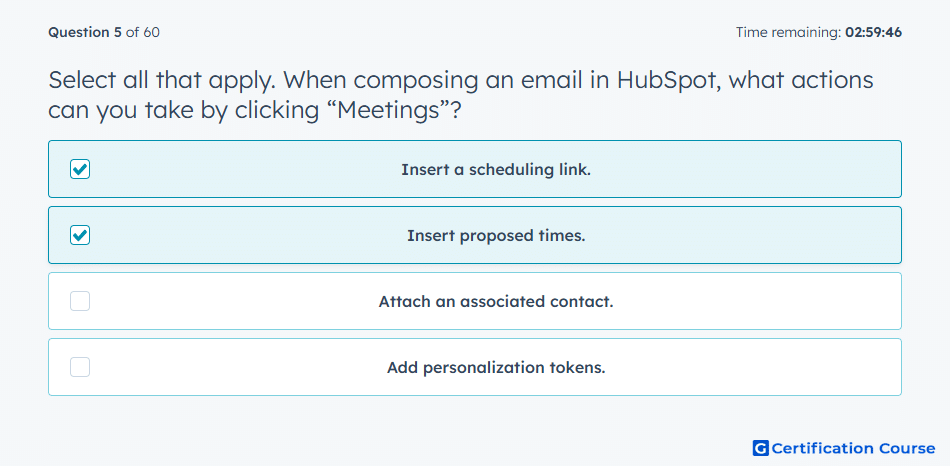
Question: Select all that apply. When composing an email in HubSpot, what actions can you take by clicking “Meetings”?
- Insert a scheduling link.
- Insert proposed times.
- Attach an associated contact.
- Add personalization tokens.
Explanation
Clicking “Meetings” while composing an email in HubSpot allows you to insert a scheduling link or propose available times for the recipient to book a meeting. This streamlines appointment scheduling and improves prospect engagement. Integrating meeting links directly in emails reduces back-and-forth and increases booking efficiency.
Why the other options are incorrect
Attach an associated contact: Contacts are linked automatically through the CRM but not via the Meetings button.
Add personalization tokens: Tokens are added using the personalization menu, not the Meetings feature.
Source for verification
HubSpot Meetings Tool Integration
The answer(s) to the question is highlighted in the BOLD text above. You can also find more questions and answers related to the exams on the "HubSpot Sales Hub Software" page.