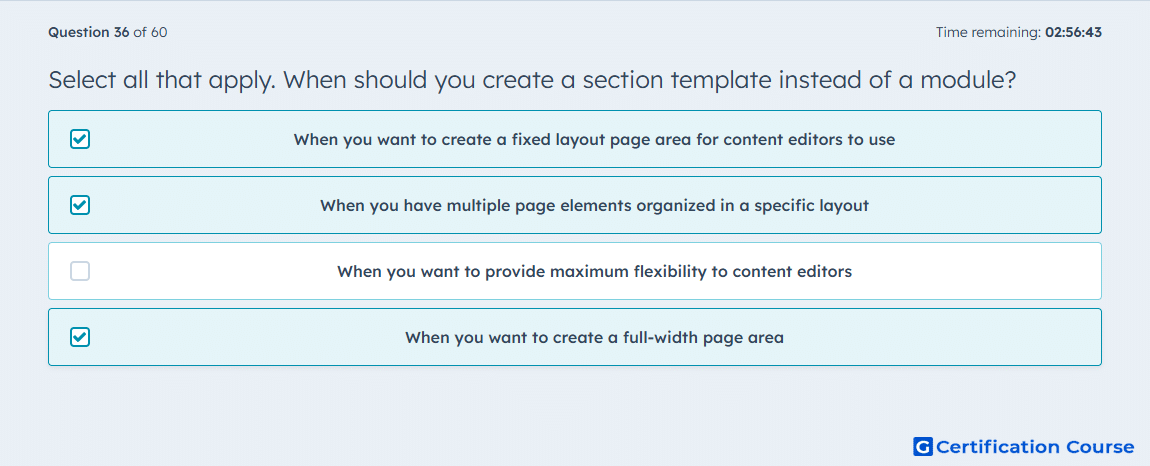
Question: Select all that apply. When should you create a section template instead of a module?
- When you want to create a fixed layout page area for content editors to use
- When you have multiple page elements organized in a specific layout
- When you want to provide maximum flexibility to content editors
- When you want to create a full-width page area
Explanation
Section templates are the right choice when the page area needs a predefined structure that content editors can add as a complete layout unit. HubSpot describes sections as reusable, fixed-layout containers that are especially useful when multiple page elements must stay organized in a specific arrangement. HubSpot also states that content creators can only drop sections into full-width drop zones, which makes them appropriate for full-width page areas. This is different from modules, which are smaller reusable building blocks used inside layouts and are better suited to flexible rearrangement.
Why the other options are incorrect
When you want to provide maximum flexibility to content editors points more directly to modules and drag and drop areas, because HubSpot uses those for moving, removing, and rearranging content more freely.
Source for verification
https://developers.hubspot.com/docs/cms/marketplace/theme-requirements
https://developers.hubspot.com/docs/cms/start-building/building-blocks/drag-and-drop/overview
The answer(s) to the question is highlighted in the BOLD text above. You can also find more questions and answers related to the exams on the "HubSpot CMS for Developers II" page.