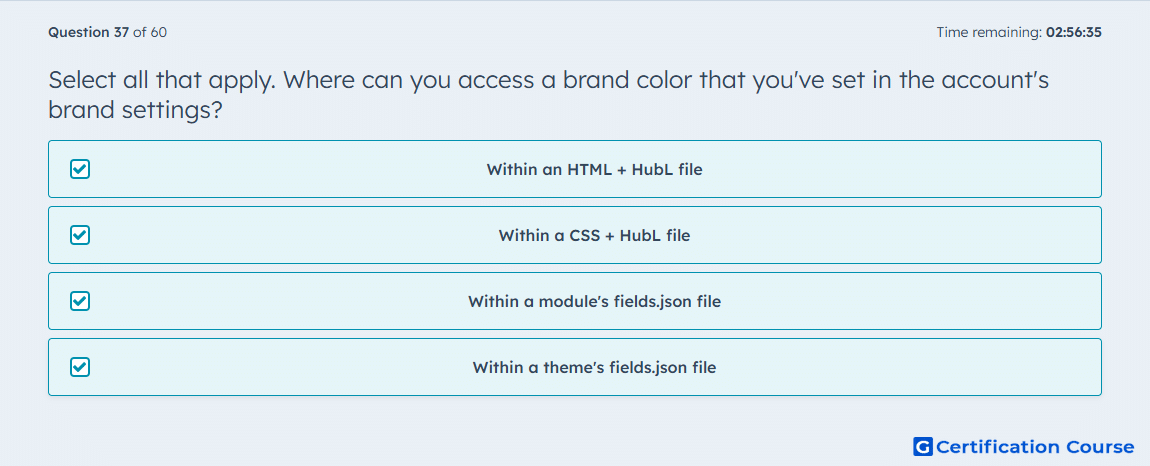
Question: Select all that apply. Where can you access a brand color that you've set in the account's brand settings?
- Within an HTML + HubL file
- Within a CSS + HubL file
- Within a module's fields.json file
- Within a theme's fields.json file
Explanation
HubSpot allows brand settings values to be accessed with brand_settings.* tokens in HTML + HubL and CSS + HubL files. It also supports those same values in a module’s fields.json file and a theme’s fields.json file through inherited_value and property_value_paths. That means brand colors are available both in rendered template code and in field configuration used by modules and themes. Within fields.json, those inherited values can be exposed for editing in the theme settings experience. HubSpot Developers
Why the other options are incorrect
None. All listed locations support access to brand settings values. HubSpot Developers
Source for verification
HubSpot Developer Documentation: Brand settings inheritance HubSpot Developers
The answer(s) to the question is highlighted in the BOLD text above. You can also find more questions and answers related to the exams on the "HubSpot CMS for Developers II" page.