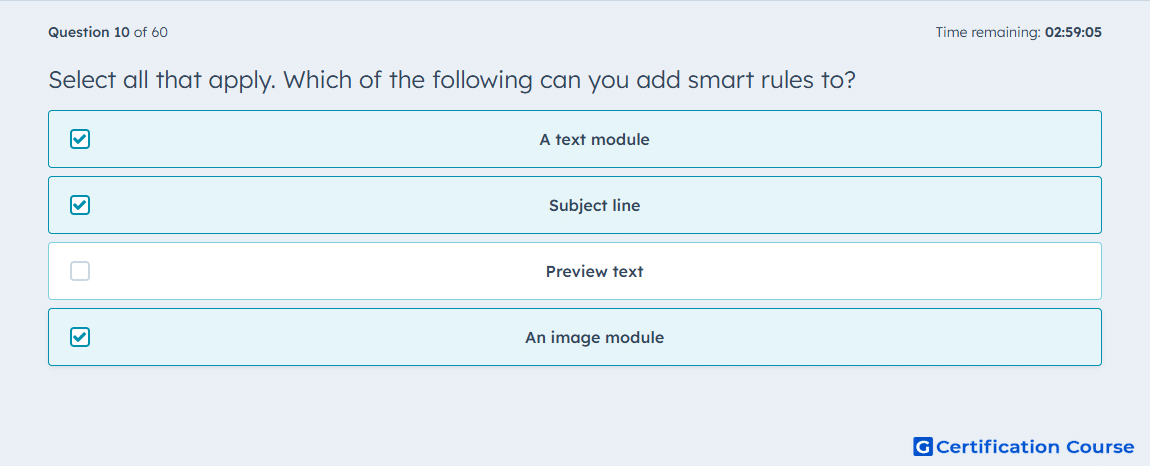
Question: Select all that apply. Which of the following can you add smart rules to?
- A text module
- Subject line
- Preview text
- An image module
Explanation
HubSpot uses smart rules to show different marketing email content based on contact criteria. In the drag-and-drop email editor, rule-based variations can be applied to editable modules. The email Settings tab also includes a separate smart rule control for the inbox-facing subject field. For marketing emails, the available rule categories are based on contact list membership or contact lifecycle stage.
Why the other options are incorrect
Preview text does not have HubSpot’s smart rule control for creating content variations.
Source for verification
https://knowledge.hubspot.com/website-and-landing-pages/create-and-manage-smart-content-rules
https://knowledge.hubspot.com/marketing-email/edit-marketing-email-content-and-design
The answer(s) to the question is highlighted in the BOLD text above. You can also find more questions and answers related to the exams on the "HubSpot Email Marketing Software" page.