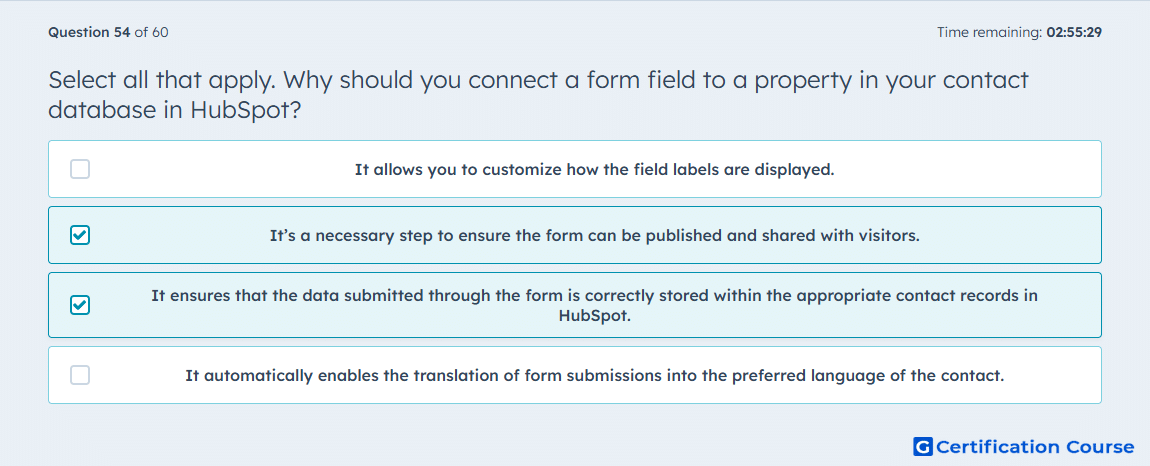
Question: Select all that apply. Why should you connect a form field to a property in your contact database in HubSpot?
- It allows you to customize how the field labels are displayed.
- It’s a necessary step to ensure the form can be published and shared with visitors.
- It ensures that the data submitted through the form is correctly stored within the appropriate contact records in HubSpot.
- It automatically enables the translation of form submissions into the preferred language of the contact.
Explanation
Each form field in HubSpot must be connected to a HubSpot property, because form data is collected through property-based fields in the form editor. HubSpot also uses that property connection to determine where the submitted value is written in contact records. This is why the mapping matters both for configuring a usable form and for storing submission data correctly in the CRM. Without that property relationship, the field is not functioning as a standard HubSpot form field.
Why the other options are incorrect
A) Field label display can be edited in the form editor, but connecting a field to a HubSpot property is not done for label styling or label presentation.
D) Connecting a field to a property does not automatically translate submission data into a contact’s preferred language.
Source for verification
https://knowledge.hubspot.com/forms/create-and-edit-forms
https://knowledge.hubspot.com/properties/hubspots-default-contact-properties
The answer(s) to the question is highlighted in the BOLD text above. You can also find more questions and answers related to the exams on the "HubSpot Marketing Hub Software Certification" page.