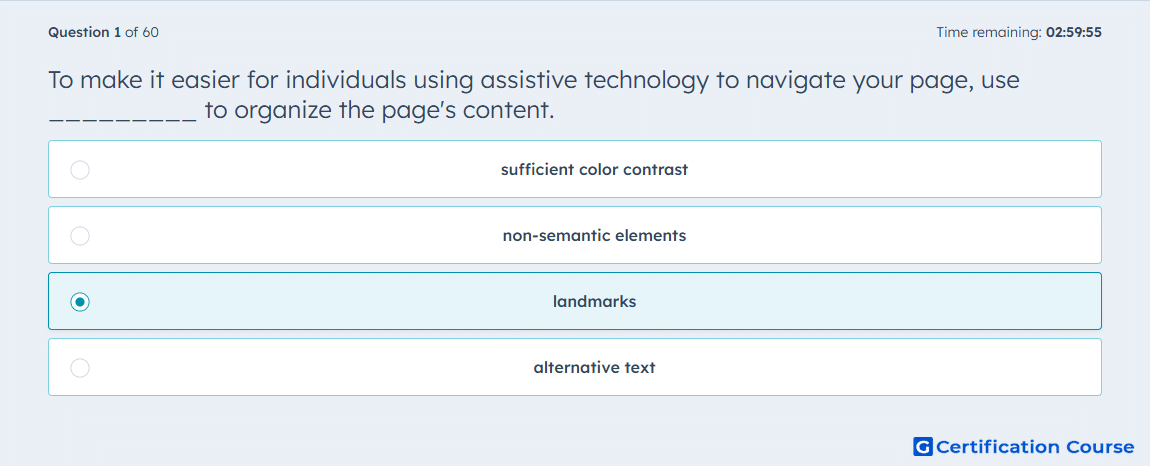
Question: To make it easier for individuals using assistive technology to navigate your page, use _________ to organize the page's content.
- sufficient color contrast
- non-semantic elements
- landmarks
- alternative text
Explanation
Landmarks define the major regions of a page so assistive technology can move directly between sections instead of reading the page as one unstructured block. HubSpot recommends using correct semantic elements such as header, main, footer, and nav to communicate what type of content a region contains. HubSpot also states that adding landmarks makes it easier for screen reader users to jump between the major sections of a webpage. In HubSpot CMS development, this structure comes from semantic markup first, with role attributes used when semantic elements are not appropriate. HubSpot Developers
Why the other options are incorrect
Color contrast improves readability for users with limited vision, but it does not create structural regions that assistive technology uses for navigation. HubSpot Developers
Non-semantic elements do not convey page meaning on their own, so they do not help screen readers identify major sections of the page. HubSpot Developers
Alternative text provides text alternatives for non-text content, but it does not organize page structure for navigation. HubSpot Developers
Source for verification
https://developers.hubspot.com/docs/cms/best-practices/improve-existing-sites/accessibility
The answer(s) to the question is highlighted in the BOLD text above. You can also find more questions and answers related to the exams on the "HubSpot CMS for Developers II" page.