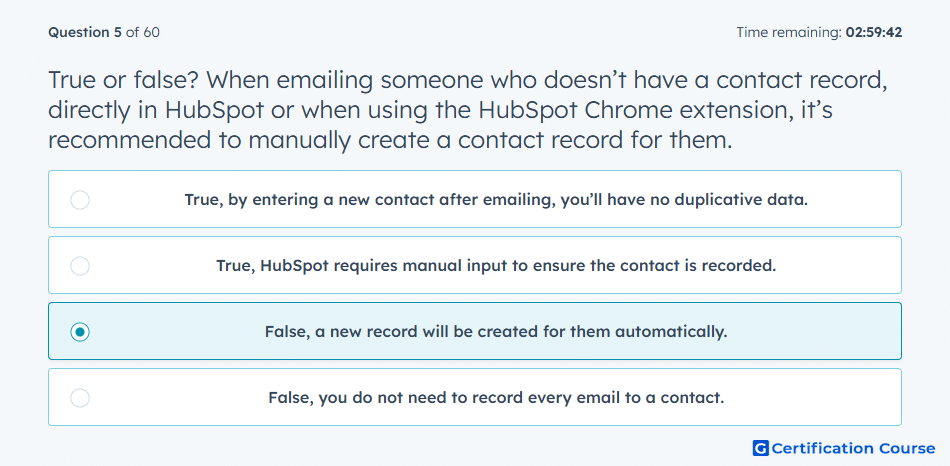
Question: True or false? When emailing someone who doesn’t have a contact record, directly in HubSpot or when using the HubSpot Chrome extension, it’s recommended to manually create a contact record for them.
- True, by entering a new contact after emailing, you’ll have no duplicative data.
- True, HubSpot requires manual input to ensure the contact is recorded.
- False, a new record will be created for them automatically.
- False, you do not need to record every email to a contact.
Explanation
When emailing someone without an existing contact record in HubSpot, the system automatically creates a new contact record for them. This ensures all interactions are tracked in the CRM without manual entry, maintaining data integrity and avoiding duplicate work. Automatic creation streamlines prospecting and follow-up processes.
Why the other options are incorrect
True, by entering a new contact after emailing, you’ll have no duplicative data: Manual creation is unnecessary; HubSpot handles it automatically.
True, HubSpot requires manual input to ensure the contact is recorded: The platform auto-generates records for new email recipients.
False, you do not need to record every email to a contact: HubSpot still records interactions; the statement is misleading regarding automatic contact creation.
Source for verification
HubSpot Automatic Contact Creation
The answer(s) to the question is highlighted in the BOLD text above. You can also find more questions and answers related to the exams on the "HubSpot Sales Hub Software" page.