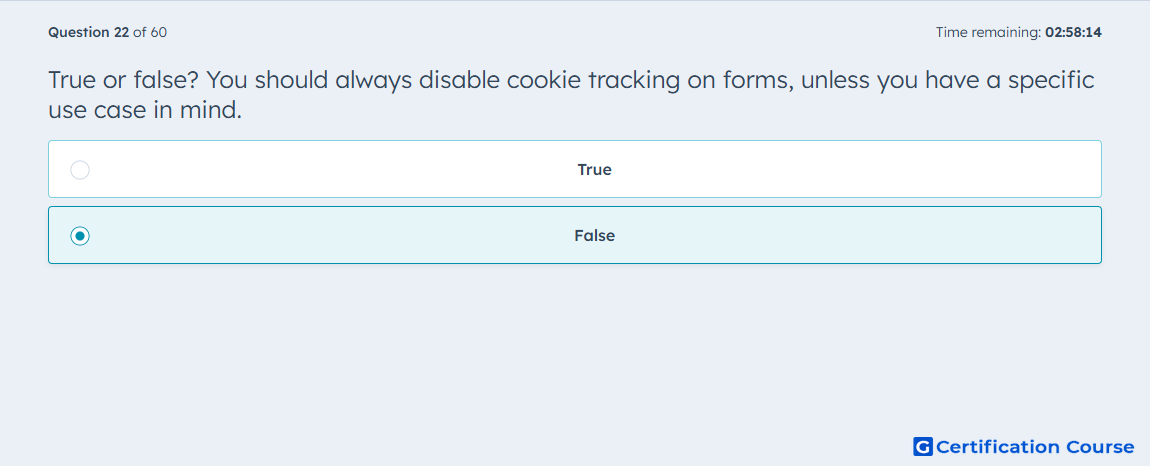
Question: True or false? You should always disable cookie tracking on forms, unless you have a specific use case in mind.
- True
- False
Explanation
In HubSpot, cookie tracking supports core form behavior such as associating a submission with previously tracked activity on the site. It also supports Pre-populate form fields for returning visitors, which is turned on by default when HubSpot can recognize the visitor’s cookies. HubSpot documentation also notes that when cookie tracking is disabled in the form options, page views may not be recorded correctly for the contact. That means disabling it by default would remove useful tracking and identification behavior instead of preserving standard form functionality. There are specific cases where tracking may be turned off for a particular submission, but that is not the general default approach.
Why the other options are incorrect
True This is incorrect because HubSpot uses tracking cookies to connect form submissions to prior activity, support pre-population, and help record page-view behavior.
Source for verification
https://knowledge.hubspot.com/forms/create-and-edit-forms
https://knowledge.hubspot.com/forms/forms-faq
The answer(s) to the question is highlighted in the BOLD text above. You can also find more questions and answers related to the exams on the "HubSpot Marketing Hub Software Certification" page.