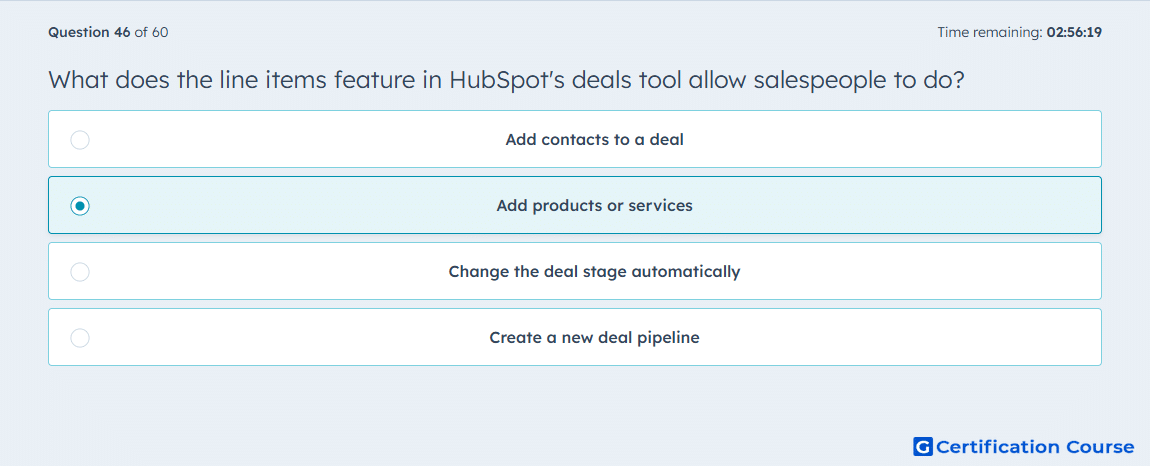
Question: What does the line items feature in HubSpot's deals tool allow salespeople to do?
- Add contacts to a deal
- Add products or services
- Change the deal stage automatically
- Create a new deal pipeline
Explanation
The line items feature in HubSpot’s Deals tool allows salespeople to add products or services to a deal. This provides detailed tracking of what is included in each deal and ensures accurate pricing and quantity information. Line items integrate with the Quotes tool to generate proposals reflecting the specific products or services. Using line items supports consistent revenue calculation and reporting across deals.
Why the other options are incorrect
Add contacts to a deal is incorrect because line items only represent products or services, not contacts.
Change the deal stage automatically is incorrect because line items do not affect stage progression.
Create a new deal pipeline is incorrect because pipelines are configured separately and are not tied to line items.
Source for verification
HubSpot Knowledge Base – Add products to deals
The answer(s) to the question is highlighted in the BOLD text above. You can also find more questions and answers related to the exams on the "HubSpot Sales Hub Software" page.