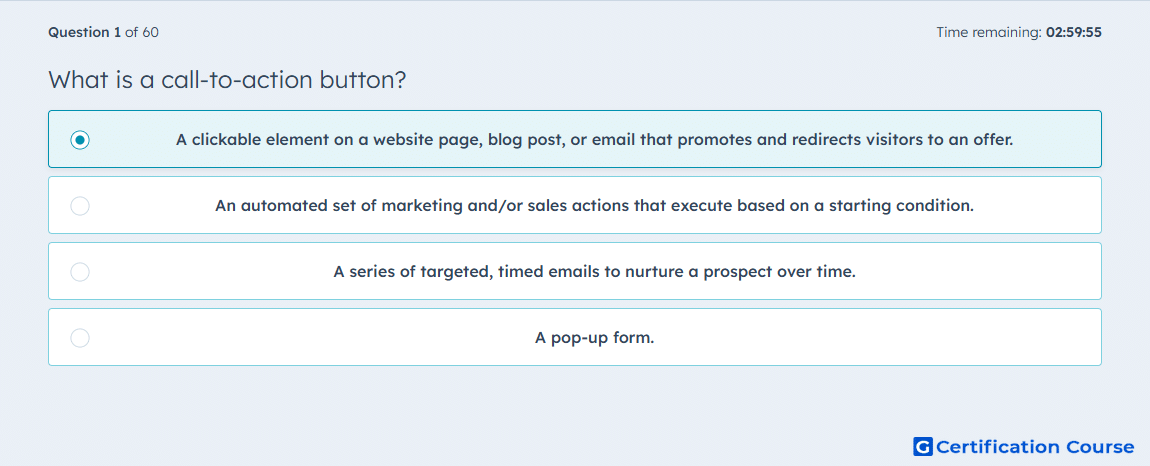
Question: What is a call-to-action button?
- A clickable element on a website page, blog post, or email that promotes and redirects visitors to an offer.
- An automated set of marketing and/or sales actions that execute based on a starting condition.
- A series of targeted, timed emails to nurture a prospect over time.
- A pop-up form.
Explanation
A call-to-action is used in HubSpot to guide visitors toward a specific next step from a page, blog post, or marketing email. It functions as a clickable conversion element that can direct people to content, forms, meetings, or other offers. In HubSpot, CTAs can be created and tracked so performance can be measured across marketing assets. This makes the button part of the conversion path rather than an automation or form type.
Why the other options are incorrect
Workflow describes automated actions triggered by enrollment criteria, not a clickable conversion element.
Lead nurturing email sequence refers to timed email communication, not a button placed on content.
Pop-up form collects visitor information in an overlay or embedded prompt, but it is not the same as a CTA button.
Source for verification
https://knowledge.hubspot.com/ctas/create-calls-to-action
https://knowledge.hubspot.com/ctas/analyze-your-ctas-performance
The answer(s) to the question is highlighted in the BOLD text above. You can also find more questions and answers related to the exams on the "HubSpot Marketing Hub Software Certification" page.