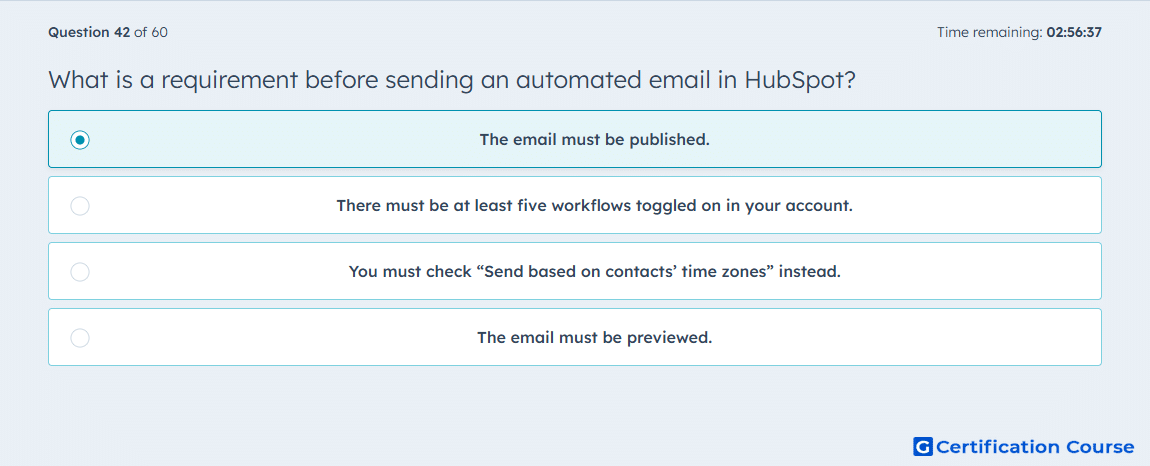
Question: What is a requirement before sending an automated email in HubSpot?
- The email must be published.
- There must be at least five workflows toggled on in your account.
- You must check “Send based on contacts’ time zones” instead.
- The email must be previewed.
Explanation
HubSpot does not allow a draft email to be used in a workflow. The email has to go through Review and publish so it becomes available in the workflow Send email action. HubSpot also states that only marketing emails saved for automation can be sent in workflows. That makes publishing part of the required setup, while testing and other optional settings are separate steps. HubSpot Knowledge Base+2HubSpot Knowledge Base+2
Why the other options are incorrect
Five workflows toggled on HubSpot does not require any minimum number of active workflows before an automated email can be used. HubSpot Knowledge Base+1
Send based on contacts’ time zones This is a scheduling option for email sends, not a requirement for making an automated email eligible for workflow sending. HubSpot Knowledge Base
Previewed Previewing is available before sending, but HubSpot treats it as a testing step rather than a required condition for workflow use. HubSpot Knowledge Base
Source for verification
https://knowledge.hubspot.com/marketing-email/create-automated-emails-to-use-in-workflows
https://knowledge.hubspot.com/workflows/workflows-faq
The answer(s) to the question is highlighted in the BOLD text above. You can also find more questions and answers related to the exams on the "HubSpot Marketing Hub Software Certification" page.