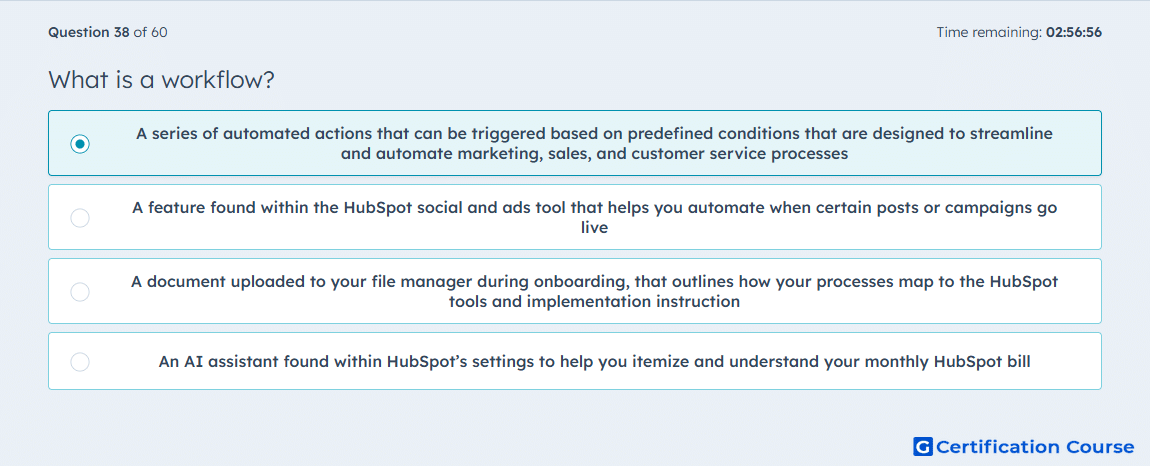
Question: What is a workflow?
- A series of automated actions that can be triggered based on predefined conditions that are designed to streamline and automate marketing, sales, and customer service processes
- A feature found within the HubSpot social and ads tool that helps you automate when certain posts or campaigns go live
- A document uploaded to your file manager during onboarding, that outlines how your processes map to the HubSpot tools and implementation instruction
- An AI assistant found within HubSpot’s settings to help you itemize and understand your monthly HubSpot bill
Explanation
A workflow in HubSpot is an automation tool that enrolls records when they meet defined criteria and then runs a series of configured actions. It is used to automate marketing, sales, and service processes, which is why it supports operational follow-up across multiple teams. HubSpot workflows rely on enrollment triggers and workflow actions to move records through steps such as communication, assignment, or property updates. That makes the feature a process automation system, not a publishing scheduler, reference document, or billing helper. HubSpot Knowledge Base+1
Why the other options are incorrect
Social and ads scheduler This refers to scheduling activity in channel-specific tools, not to HubSpot’s cross-object automation system. HubSpot Knowledge Base+1
Onboarding document A workflow is a product feature inside HubSpot, not an implementation file stored in the file manager. HubSpot Knowledge Base+1
AI billing assistant HubSpot does not define workflow as a settings assistant for invoices or subscription charges. HubSpot Knowledge Base+1
Source for verification
HubSpot Knowledge Base: Create workflows HubSpot Knowledge Base
HubSpot Glossary HubSpot Knowledge Base
The answer(s) to the question is highlighted in the BOLD text above. You can also find more questions and answers related to the exams on the "HubSpot Marketing Hub Software Certification" page.