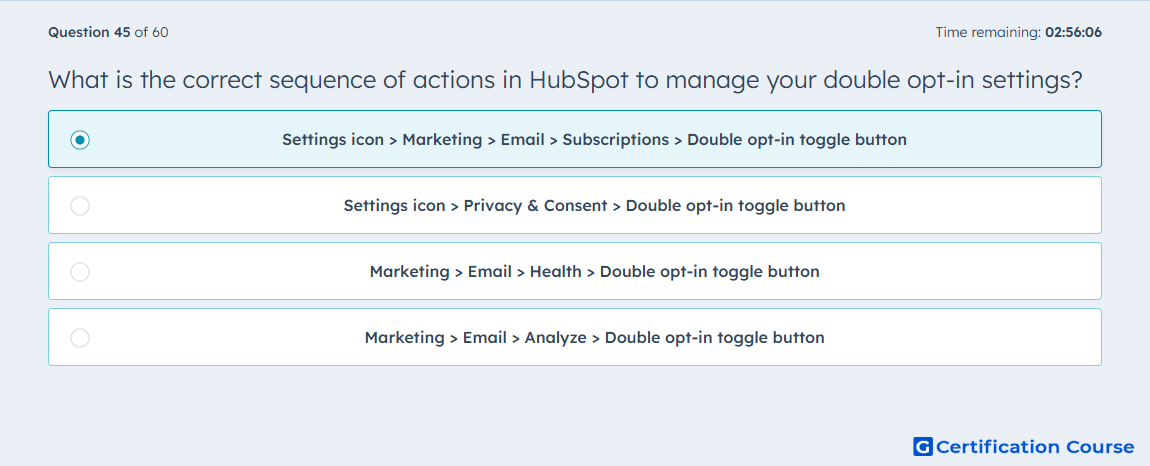
Question: What is the correct sequence of actions in HubSpot to manage your double opt-in settings?
- Settings icon > Marketing > Email > Subscriptions > Double opt-in toggle button
- Settings icon > Privacy & Consent > Double opt-in toggle button
- Marketing > Email > Health > Double opt-in toggle button
- Marketing > Email > Analyze > Double opt-in toggle button
Explanation
HubSpot manages double opt-in from marketing email settings because it controls email subscription confirmation behavior. The setting is located under the email subscriptions area where consent-related email preferences are configured. This is where the double opt-in switch is enabled or disabled for eligible accounts. The same area also supports related configuration such as confirmation emails and subscription behavior.
Why the other options are incorrect
Privacy & Consent is not the HubSpot path for managing double opt-in email settings.
Email Health is used to monitor deliverability and reputation, not configure double opt-in.
Email Analyze is used for marketing email performance reporting, not subscription confirmation settings.
Source for verification
https://knowledge.hubspot.com/marketing-email/set-up-double-opt-in-for-emails
The answer(s) to the question is highlighted in the BOLD text above. You can also find more questions and answers related to the exams on the "HubSpot Email Marketing Software" page.