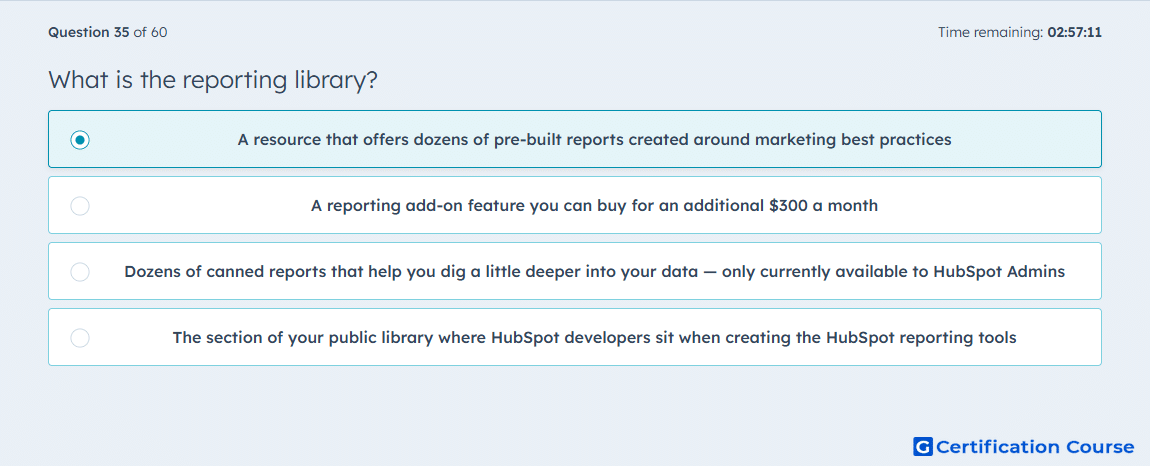
Question: What is the reporting library?
- A resource that offers dozens of pre-built reports created around marketing best practices
- A reporting add-on feature you can buy for an additional $300 a month
- Dozens of canned reports that help you dig a little deeper into your data — only currently available to HubSpot Admins
- The section of your public library where HubSpot developers sit when creating the HubSpot reporting tools
Explanation
The report library in HubSpot is the place where standard report templates are available for use inside the reporting tool. HubSpot says these reports can be saved to the reports list or added to dashboards, and that they cover topics such as website performance and sales metrics. Users access it when creating a report from templates, which shows it is a built-in reporting resource rather than a separate product. Its purpose is to help teams start from ready-made reports instead of building every report from scratch. HubSpot Knowledge Base+1
Why the other options are incorrect
Paid add-on HubSpot documents the report library as part of the standard reporting workflow, not as a separate monthly purchase. HubSpot Knowledge Base+1
Admins only HubSpot does not define the report library as an admin-only feature, and the article states availability across products and plans where noted. HubSpot Knowledge Base
Public library The report library exists inside HubSpot under Reporting, so it is not a physical or public location. HubSpot Knowledge Base+1
Source for verification
https://knowledge.hubspot.com/reports/use-a-report-from-the-report-library
https://knowledge.hubspot.com/reports/manage-reports-in-your-reports-list
The answer(s) to the question is highlighted in the BOLD text above. You can also find more questions and answers related to the exams on the "HubSpot Marketing Hub Software Certification" page.