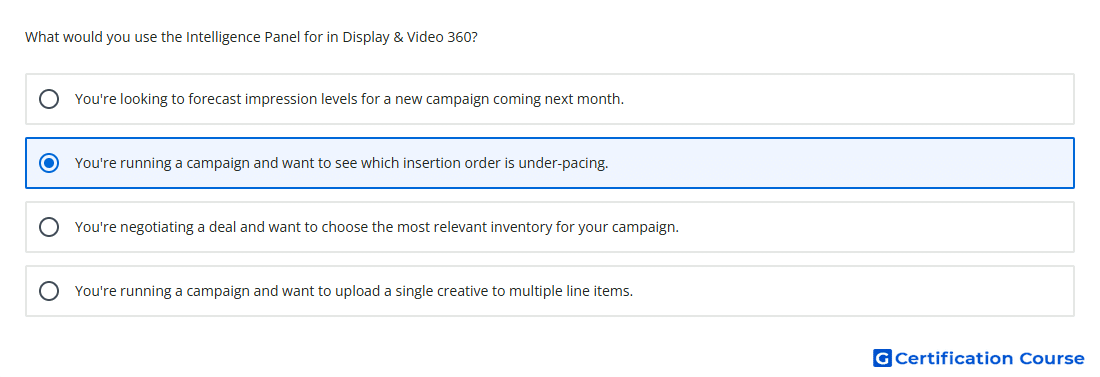
Question: What would you use the Intelligence Panel for in Display & Video 360?
- You're running a campaign and want to upload a single creative to multiple line items.
- You're looking to forecast impression levels for a new campaign coming next month.
- You're running a campaign and want to see which insertion order is under-pacing.
- You're negotiating a deal and want to choose the most relevant inventory for your campaign.
Explanation
The Intelligence panel in Display & Video 360 surfaces alerts and suggestions for active campaign issues. It can identify problems such as underpacing, lack of spend, rejected creatives, policy violations, and settings conflicts. This makes it useful for finding which insertion order is not pacing as expected. It supports troubleshooting by prioritizing critical alerts and linking closer to the affected campaign entity.
Why the other options are incorrect
Creative upload is handled through creative workflows, not the Intelligence panel.
Forecasting is used before launch to estimate available impressions, not monitor active pacing issues.
Inventory selection is handled through Marketplace and deal workflows, not the Intelligence panel.
Source for verification
https://support.google.com/displayvideo/answer/9099533
The answer(s) to the question is highlighted in the BOLD text above. You can also find more questions and answers related to the exams on the "Display & Video 360" page.