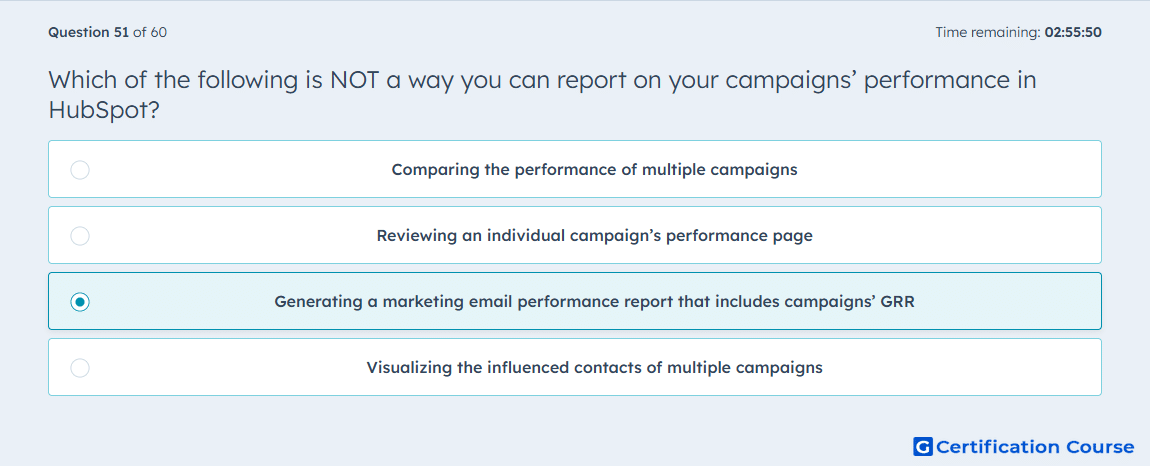
Question: Which of the following is NOT a way you can report on your campaigns’ performance in HubSpot?
- Comparing the performance of multiple campaigns
- Reviewing an individual campaign’s performance page
- Generating a marketing email performance report that includes campaigns’ GRR
- Visualizing the influenced contacts of multiple campaigns
Explanation
HubSpot supports campaign reporting inside the Campaigns tool through both an individual campaign view and Campaign analytics for broader analysis. You can review a single campaign’s performance page, compare multiple campaigns, and chart metrics such as Influenced contacts across campaigns. HubSpot Knowledge Base+1
By contrast, HubSpot’s marketing email reporting is built around email-level performance and associated assets, not a campaign report based on GRR. The current email analytics documentation covers email performance views and campaign association, but it does not describe a campaigns performance report that includes GRR in the marketing email reporting area. That makes the email-GRR choice the only one that does not match HubSpot’s documented campaign reporting methods. HubSpot Knowledge Base+1
Why the other options are incorrect
Comparing the performance of multiple campaigns HubSpot explicitly provides a compare campaigns view where multiple campaigns can be analyzed side by side. HubSpot Knowledge Base
Reviewing an individual campaign’s performance page HubSpot documents analyzing individual campaigns directly in the campaigns tool. HubSpot Knowledge Base
Visualizing the influenced contacts of multiple campaigns HubSpot’s Campaign analytics includes an Influenced contacts chart for selected campaigns. HubSpot Knowledge Base
Source for verification
https://knowledge.hubspot.com/campaigns/analyze-overall-campaigns
https://knowledge.hubspot.com/marketing-email/analyze-your-marketing-email-campaign-performance
The answer(s) to the question is highlighted in the BOLD text above. You can also find more questions and answers related to the exams on the "HubSpot Marketing Hub Software Certification" page.