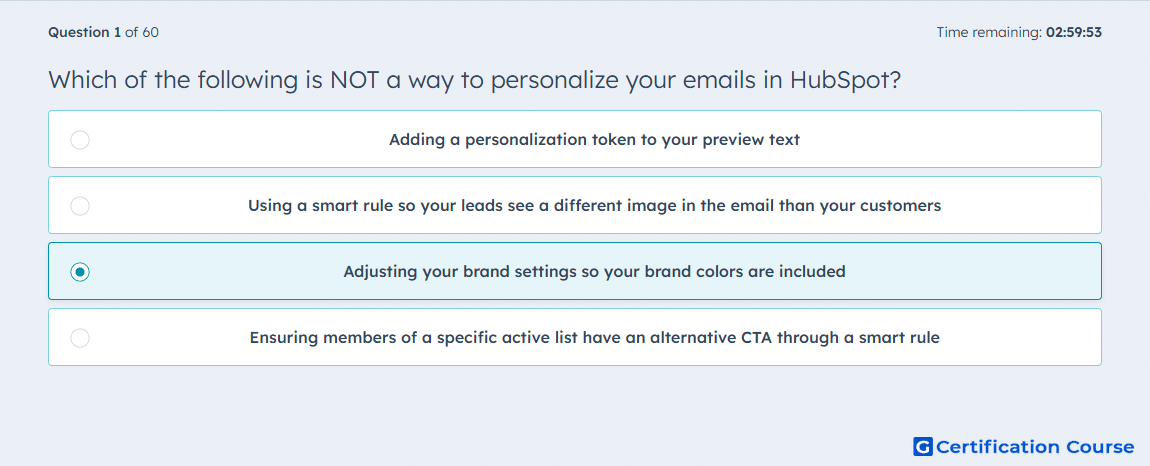
Question: Which of the following is NOT a way to personalize your emails in HubSpot?
- Adding a personalization token to your preview text
- Using a smart rule so your leads see a different image in the email than your customers
- Adjusting your brand settings so your brand colors are included
- Ensuring members of a specific active list have an alternative CTA through a smart rule
Explanation
HubSpot email personalization is based on changing content for a contact or audience segment. Personalization tokens can insert CRM values into email fields, and smart rules can show different email content based on criteria such as list membership or lifecycle stage. Alternative images or CTAs can be personalized when rule-based content is configured. Brand colors are design defaults, not contact-specific personalization.
Why the other options are incorrect
Personalization token is a valid HubSpot feature for adding contact-specific information to email content.
Smart rule for leads and customers is a valid way to personalize email content by audience segment.
Smart rule for active list members is a valid way to show alternative content based on list membership.
Source for verification
https://knowledge.hubspot.com/marketing-email/use-personalization-tokens
https://knowledge.hubspot.com/website-and-landing-pages/create-and-manage-smart-content-rules
The answer(s) to the question is highlighted in the BOLD text above. You can also find more questions and answers related to the exams on the "HubSpot Email Marketing Software" page.