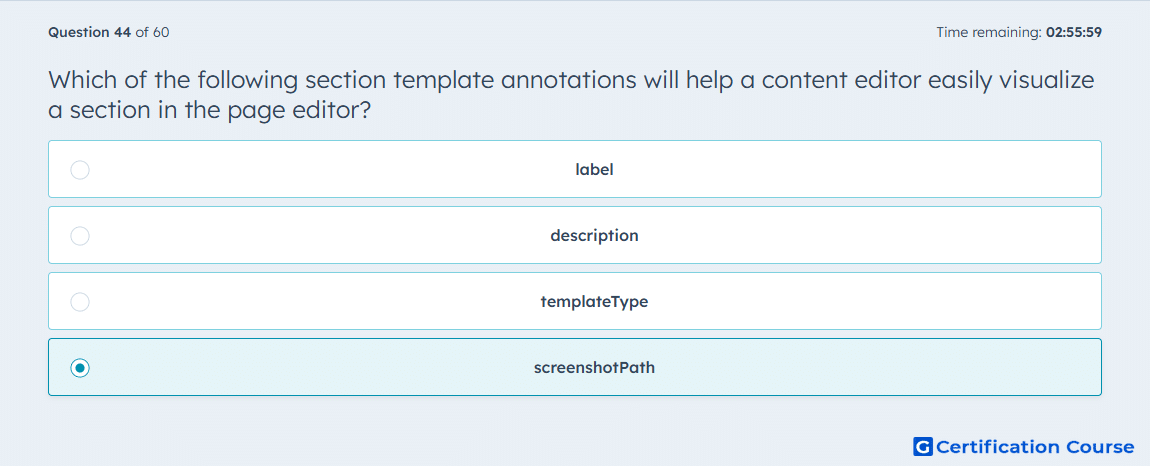
Question: Which of the following section template annotations will help a content editor easily visualize a section in the page editor?
- label
- description
- templateType
- screenshotPath
Explanation
HubSpot documents screenshotPath as the annotation that points to a preview image for the section. That preview image is used in the page editor to give content creators an easy visual reference for what the section looks like. By contrast, label and description provide text-only metadata, and templateType defines how the template can be used. The annotation that directly helps someone visualize the section before adding it is therefore the one tied to the preview image. HubSpot Developers
Why the other options are incorrect
label provides a human-readable name in the page editor, but it does not display a visual preview. HubSpot Developers
description adds explanatory text in the page editor, but it does not help visualize the section with an image. HubSpot Developers
templateType determines the template type and where the template can be used, not how it is visually previewed. HubSpot Developers
Source for verification
HubSpot Docs: Sections HubSpot Developers
HubSpot Docs: HTML + HubL Templates HubSpot Developers
The answer(s) to the question is highlighted in the BOLD text above. You can also find more questions and answers related to the exams on the "HubSpot CMS for Developers II" page.