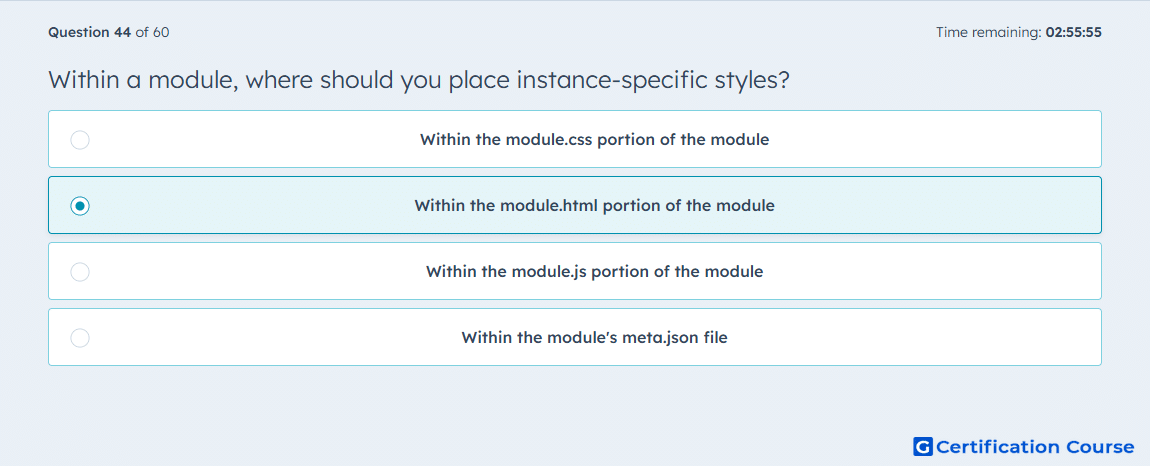
Question: Within a module, where should you place instance-specific styles?
- Within the module.css portion of the module
- Within the module.html portion of the module
- Within the module.js portion of the module
- Within the module's meta.json file
Explanation
Instance-specific styles depend on module field values, so they belong where HubL can access the current module instance. HubSpot documents this pattern in module.html with require_css, which lets CSS use module field values and then places the generated style block in the page head. HubSpot also shows using scope_css there when the styles should apply only to that specific module instance. The standalone module.css file is for shared module styling, not per-instance CSS generated from editor-controlled values. HubSpot Developers
Why the other options are incorrect
A) Within the module.css portion of the module is for shared stylesheet rules, not instance-specific styles based on module field values. HubSpot Developers
C) Within the module.js portion of the module is for JavaScript behavior, not CSS output tied to the current module instance. HubSpot Developers
D) Within the module's meta.json file stores module metadata and configuration, not rendered instance-level styles. HubSpot Developers+1
Source for verification
https://developers.hubspot.com/docs/cms/reference/modules/files
https://developers.hubspot.com/docs/cms/reference/modules/default-module-versioning
The answer(s) to the question is highlighted in the BOLD text above. You can also find more questions and answers related to the exams on the "HubSpot CMS for Developers II" page.