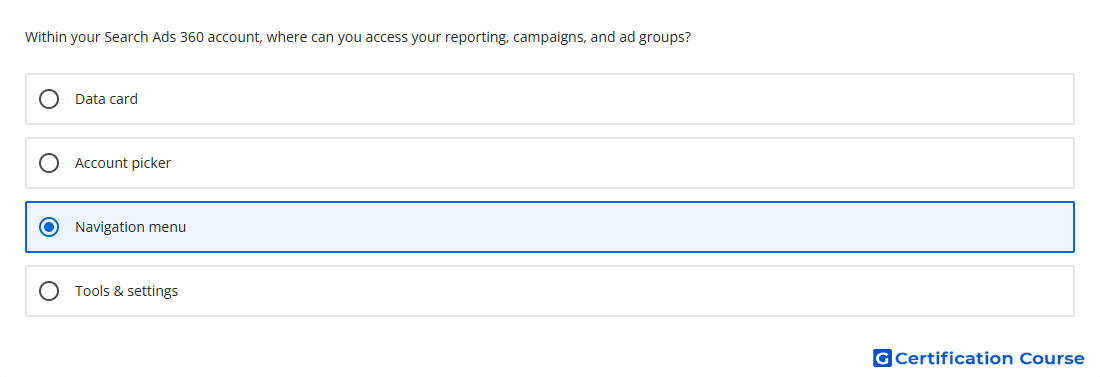
Question: Within your Search Ads 360 account, where can you access your reporting, campaigns, and ad groups?
- Navigation menu
- Tools & settings
- Account picker
- Data card
Explanation
The navigation menu is the main access point for key areas in Search Ads 360. It provides access to reporting features, campaign views, and ad group views from the account interface. This makes it the correct place to move between performance data and campaign management sections. Other interface elements support narrower tasks, but they do not serve as the primary access path for reports, campaigns, and ad groups.
Why the other options are incorrect
Data card shows summarized performance information, not the main access path for reports, campaigns, and ad groups.
Account picker is used to switch account scope, not to open reporting or campaign sections.
Tools & settings contains configuration and management tools, not the main campaign and reporting navigation area.
Source for verification
https://support.google.com/sa360/answer/15095347?hl=en
https://support.google.com/sa360/answer/14352925?hl=en
The answer(s) to the question is highlighted in the BOLD text above. You can also find more questions and answers related to the exams on the "Search Ads 360" page.